
QLoRA Explained: Fine-Tune LLMs on a Budget
QLoRA (Quantized Low-Rank Adaptation) lets you fine-tune large language models on a single GPU. Here is how it works, when to use it over RAG, and what drives the cost.

QLoRA stands for Quantized Low-Rank Adaptation. It is a fine-tuning method that loads a large language model in 4-bit precision, freezes those weights, and trains a small set of LoRA adapter weights on top. Introduced by Dettmers et al. in 2023, it adds three ideas to plain LoRA: the 4-bit NormalFloat (NF4) data type, double quantization, and paged optimizers. Together they let you fine-tune models on a single GPU that would otherwise need a multi-GPU cluster.
That is the short answer. The longer one matters more if you are deciding whether to fine-tune at all, what hardware to budget for, and how to know whether the result is any good. This guide covers how QLoRA works, how it compares with LoRA and full fine-tuning, the data work that decides most outcomes, when fine-tuning beats retrieval (and when it clearly does not), and what actually drives the cost of a custom LLM fine-tuning project.
What QLoRA actually does
To understand QLoRA, start with LoRA (Low-Rank Adaptation, Hu et al., 2021). Instead of updating every weight in a model, LoRA freezes the original weights and injects small trainable matrices into selected layers, usually the attention projections and often the MLP layers too. Each adapter is a pair of low-rank matrices whose product approximates the weight update you would have learned with full fine-tuning. Because the rank is small (commonly 8 to 64), the number of trainable parameters drops to a small fraction of a percent of the model.
LoRA shrinks what you train, but the frozen base model still sits in GPU memory at 16-bit precision. For a large model, that alone can exceed a single GPU. QLoRA attacks that remaining cost by storing the frozen base model in 4 bits. The three innovations from the paper:
- NF4 (4-bit NormalFloat). Pretrained weights are roughly normally distributed. NF4 places its 16 quantization levels so that each bin holds an equal share of a normal distribution, which preserves more information than a naive evenly spaced 4-bit integer format.
- Double quantization. Quantization works in blocks, and each block needs a scaling constant. Those constants add up. QLoRA quantizes the constants themselves, saving a meaningful slice of memory on large models.
- Paged optimizers. Long sequences and gradient checkpointing cause memory spikes. Paged optimizers use NVIDIA unified memory to move optimizer state to CPU RAM when the GPU runs short, then page it back, so a spike does not crash the run.
One subtlety trips people up: the 4-bit weights are a storage format. During the forward and backward passes, weights are dequantized on the fly to a compute type (usually bfloat16). Gradients flow through the frozen quantized weights into the LoRA adapters, which are kept in higher precision. You are not training a 4-bit model; you are training 16-bit adapters on top of a 4-bit snapshot.
The paper's headline result was fine-tuning a 65-billion-parameter model on a single 48GB GPU while matching the quality of 16-bit fine-tuning on their benchmarks. That claim made QLoRA the default starting point for teams without a GPU cluster.
LoRA vs QLoRA vs full fine-tuning
All three are legitimate tools. The right one depends on model size, budget, and how far you need to move the model's behavior.
| Factor | Full fine-tuning | LoRA | QLoRA |
|---|---|---|---|
| What gets trained | Every weight | Small adapter matrices; base frozen at 16-bit | Small adapter matrices; base frozen at 4-bit |
| GPU memory | Highest by far (weights, gradients, optimizer states for all parameters) | Moderate; dominated by 16-bit base weights | Lowest; base weights take roughly a quarter of 16-bit size |
| Training speed | Fast per step on enough hardware, but needs lots of it | Fast | Somewhat slower than LoRA due to dequantization overhead |
| Output artifact | A full new copy of the model | Adapter file, often tens to hundreds of MB | Adapter file, same as LoRA |
| Quality ceiling | Highest in principle, especially for large domain shifts | Close to full fine-tuning for most instruction and style tasks | Close to LoRA in most reported results |
| Risk of catastrophic forgetting | Higher | Lower (base weights untouched) | Lower (base weights untouched) |
| Best fit | Well-funded teams, new languages or domains, continued pretraining | Teams with adequate GPUs who want speed | Budget-constrained teams, larger models on smaller GPUs, fast iteration |
Our opinion: start with QLoRA for experimentation almost every time. It lets you test more hypotheses per dollar. If you hit a quality ceiling and have ruled out data problems (usually the real cause), move to 16-bit LoRA, and consider full fine-tuning only when you have strong evidence the adapters cannot carry the change you need.
Hardware and memory: the intuition
Exact numbers depend on sequence length, batch size, rank, which layers you target, and the framework version, so treat any single figure you read online with suspicion. The intuition, though, is simple arithmetic on bytes per parameter:
- 16-bit weights take about 2 bytes per parameter. A 7B model needs roughly 14GB just to hold the weights.
- 4-bit weights take about half a byte per parameter, plus a little overhead for quantization constants. The same 7B model drops to around 4GB.
- Full fine-tuning with an Adam-style optimizer in mixed precision adds gradients, optimizer states and often a full-precision master copy of the weights. A common rule of thumb is well over 10 bytes per parameter before you count activations, which is why full fine-tuning a 7B model is a multi-GPU job.
- Activations scale with sequence length and batch size, and they are often the thing that pushes you out of memory. Gradient checkpointing trades extra compute for much lower activation memory.
In practice, QLoRA puts 7B to 8B models comfortably within reach of a single 24GB consumer or workstation GPU, and brings much larger models within reach of a single 48GB or 80GB data center card. If you are renting cloud GPUs, that is the difference between a few hours on one instance and orchestrating a cluster.
Two practical notes. First, the bitsandbytes library that implements QLoRA's 4-bit kernels has historically targeted NVIDIA CUDA GPUs first; support for other hardware has been growing, but verify before you plan around it. Second, memory savings do not make training free: QLoRA steps are typically slower than 16-bit LoRA steps, so budget for wall-clock time, not just VRAM.
A minimal QLoRA setup
The Hugging Face stack (Transformers, PEFT, bitsandbytes) is the most common way to run QLoRA. The core configuration looks like this:
import torch
from transformers import AutoModelForCausalLM, AutoTokenizer, BitsAndBytesConfig
from peft import LoraConfig, get_peft_model, prepare_model_for_kbit_training

model_id = "your-base-model"

bnb_config = BitsAndBytesConfig(
    load_in_4bit=True,
    bnb_4bit_quant_type="nf4",
    bnb_4bit_use_double_quant=True,
    bnb_4bit_compute_dtype=torch.bfloat16,
)

tokenizer = AutoTokenizer.from_pretrained(model_id)
model = AutoModelForCausalLM.from_pretrained(
    model_id,
    quantization_config=bnb_config,
    device_map="auto",
)
model = prepare_model_for_kbit_training(model)

lora_config = LoraConfig(
    r=16,
    lora_alpha=32,
    lora_dropout=0.05,
    target_modules=["q_proj", "k_proj", "v_proj", "o_proj"],
    task_type="CAUSAL_LM",
)
model = get_peft_model(model, lora_config)
model.print_trainable_parameters()
Each line maps to the paper: nf4 is NormalFloat, bnb_4bit_use_double_quant is double quantization, and you get paged optimizers by passing optim="paged_adamw_8bit" (or "paged_adamw_32bit") to your training arguments. Module names in target_modules vary by architecture, so check your model's layer names. The QLoRA paper found that applying adapters to all linear layers, not just attention, was important for matching full fine-tuning quality.
Data preparation decides the outcome
Teams obsess over rank and learning rate, then feed the model a dataset scraped together in an afternoon. The dataset matters more. A few hundred to a few thousand high-quality examples routinely beat tens of thousands of noisy ones for instruction and format tasks. A practical checklist:
- Define the target behavior in one sentence. "Answer support tickets in our tone, citing the correct policy section" is trainable. "Make the model smarter about our business" is not.
- Use the model's chat template. Format every example with the exact template the base or instruct model expects. Template mismatches silently degrade results.
- Mask the prompt in the loss. For instruction tuning, compute loss only on the response tokens so the model learns to answer, not to repeat questions.
- Deduplicate and remove contradictions. Two examples that answer the same question differently teach the model to be inconsistent.
- Cover edge cases on purpose. Include refusals, "I don't know" answers, and malformed inputs if production will see them.
- Scrub sensitive data. Anything in the training set can resurface in outputs. Remove PII and secrets before training, not after.
- Hold out a test set first. Split before you start iterating, and never let test examples leak into training.
Synthetic data generated by a stronger model is a legitimate shortcut, but it needs human review. Unreviewed synthetic data tends to be fluent, repetitive and subtly wrong in exactly the ways that hurt a domain model.
When fine-tuning beats RAG, and when it doesn't
This is the most important decision in the whole process, and the most common mistake is fine-tuning to inject knowledge. Retrieval-augmented generation (RAG) fetches relevant documents at query time and hands them to the model. Fine-tuning changes how the model behaves. They solve different problems.
Fine-tuning tends to win when you need:
- A consistent output format, schema or style that prompting cannot reliably enforce
- Domain-specific reasoning patterns, such as classification against your taxonomy or extraction from your document types
- A smaller, cheaper model to match a larger one on a narrow task, cutting inference cost and latency
- Behavior that must work offline or on-premises with a self-hosted open-weight model
- Shorter prompts, because instructions you would otherwise repeat on every call are baked in
RAG tends to win when:
- The knowledge changes often (prices, policies, inventory, documentation)
- Answers must cite sources that a user or auditor can check
- Access control matters, and different users should see different documents
- You have lots of reference material but few examples of ideal answers
Fine-tuning facts into weights is expensive to update, hard to audit, and prone to confident hallucination when the model half-remembers. If your problem is "the model doesn't know our content," start with retrieval-augmented generation. Our roundup of RAG frameworks is a good place to compare tooling.
Many strong production systems combine the two: a QLoRA-tuned model that follows your format and domain conventions, fed by a retriever that supplies current facts. If you are unsure which layer your problem lives in, try a well-engineered prompt plus retrieval first. It sets the baseline any fine-tune must beat.
How to evaluate a fine-tuned model
Training loss going down proves only that the model is fitting your data. It says little about whether the model is better at your task. Build evaluation before you train:
- Establish baselines. Score the untuned base model, and the base model with your best prompt, on the held-out set. If the fine-tune does not beat prompting clearly, you do not need it.
- Use task-specific metrics. Exact match or F1 for extraction, accuracy for classification, schema validity rates for structured output, pass rates for code.
- Add rubric-based review for open-ended output. Human reviewers, or an LLM judge calibrated against human scores on a sample, grading against a written rubric.
- Check for regressions. Run a small general-capability suite to catch damage to reasoning, safety behavior or instruction following outside your task.
- Test on production-like inputs. Real traffic is messier than curated examples. Include typos, long inputs and off-topic questions.
- Track evaluation per checkpoint. Overfitting on small datasets happens fast; the best checkpoint is often not the last.
Once a checkpoint wins, decide how to serve it. You can load the adapter on top of the base model at inference time (useful for serving several adapters from one base), or merge the adapter into a 16-bit copy of the base model for simpler deployment. Evaluate the exact artifact you will ship, because merging and re-quantizing can shift outputs slightly.
What drives the cost of a fine-tuning project
QLoRA makes the GPU bill for training modest, often the smallest line item. The real costs sit elsewhere:
- Data work. Collecting, cleaning, labeling and reviewing examples is usually the largest effort, especially when subject-matter experts must write or approve ideal answers.
- Evaluation design. Building a trustworthy test set and scoring pipeline takes real engineering time, and it is what lets you iterate with confidence.
- Iteration count. Each round of data fixes, retraining and re-evaluation costs time. Clear success criteria keep this bounded.
- Serving and operations. Hosting an open-weight model means GPU inference, autoscaling, monitoring and version management. That is an ongoing cost, unlike training.
- Integration. Wiring the model into your product, adding guardrails, logging and feedback loops is standard LLM application development work.
- Security and compliance. Handling sensitive training data under proper controls adds process, and it should.
For reference, VOCSO's published ranges for AI projects are: a proof of concept at $12K to $20K (about six weeks), a focused production build at $20K to $60K, and a full production system at $60K to $150K and up. A QLoRA fine-tune with a clear task, available data and a defined evaluation usually fits the proof-of-concept band; the price climbs with data preparation effort, integration scope and serving requirements. Our AI development cost guide breaks down these factors in more detail.
A practical QLoRA checklist
- Write down the specific behavior you want and how you will measure it.
- Build a prompt-only and prompt-plus-RAG baseline.
- Assemble and review a clean dataset in the model's chat template, with a held-out test split.
- Start with QLoRA: NF4, double quantization, bfloat16 compute, adapters on all linear layers, a paged optimizer.
- Train briefly, evaluate every checkpoint, and fix data before touching hyperparameters.
- Run regression checks, pick the best checkpoint, and evaluate the exact artifact you will deploy.
- Plan serving, monitoring and a retraining cadence before launch.
FAQ
What does QLoRA stand for?
QLoRA stands for Quantized Low-Rank Adaptation. It combines a 4-bit quantized, frozen base model with trainable LoRA adapters, and was introduced by Tim Dettmers and colleagues in 2023.
Is QLoRA worse than LoRA in quality?
In most published comparisons, including the original paper, QLoRA performs close to 16-bit LoRA on instruction-following tasks. Results vary by model and task, so compare both on your own evaluation set if quality is critical.
Can I fine-tune with QLoRA on a single consumer GPU?
For 7B to 8B parameter models, a single 24GB GPU is generally enough with modest sequence lengths and gradient checkpointing. Larger models need more memory, and long sequences increase activation memory significantly.
How much data do I need for QLoRA fine-tuning?
For style, format and narrow task behavior, a few hundred to a few thousand carefully reviewed examples is often enough. Quality and consistency matter more than volume.
Should I use QLoRA or RAG for company documents?
Use RAG when the goal is answering questions from documents that change or need citations. Use QLoRA when you need the model to behave differently, such as following a format or domain conventions. Many production systems use both.
If you are weighing whether fine-tuning is right for your use case, or need help with data preparation, evaluation and deployment, our team can help you scope it. Learn more about our LLM fine-tuning services.
Keep reading
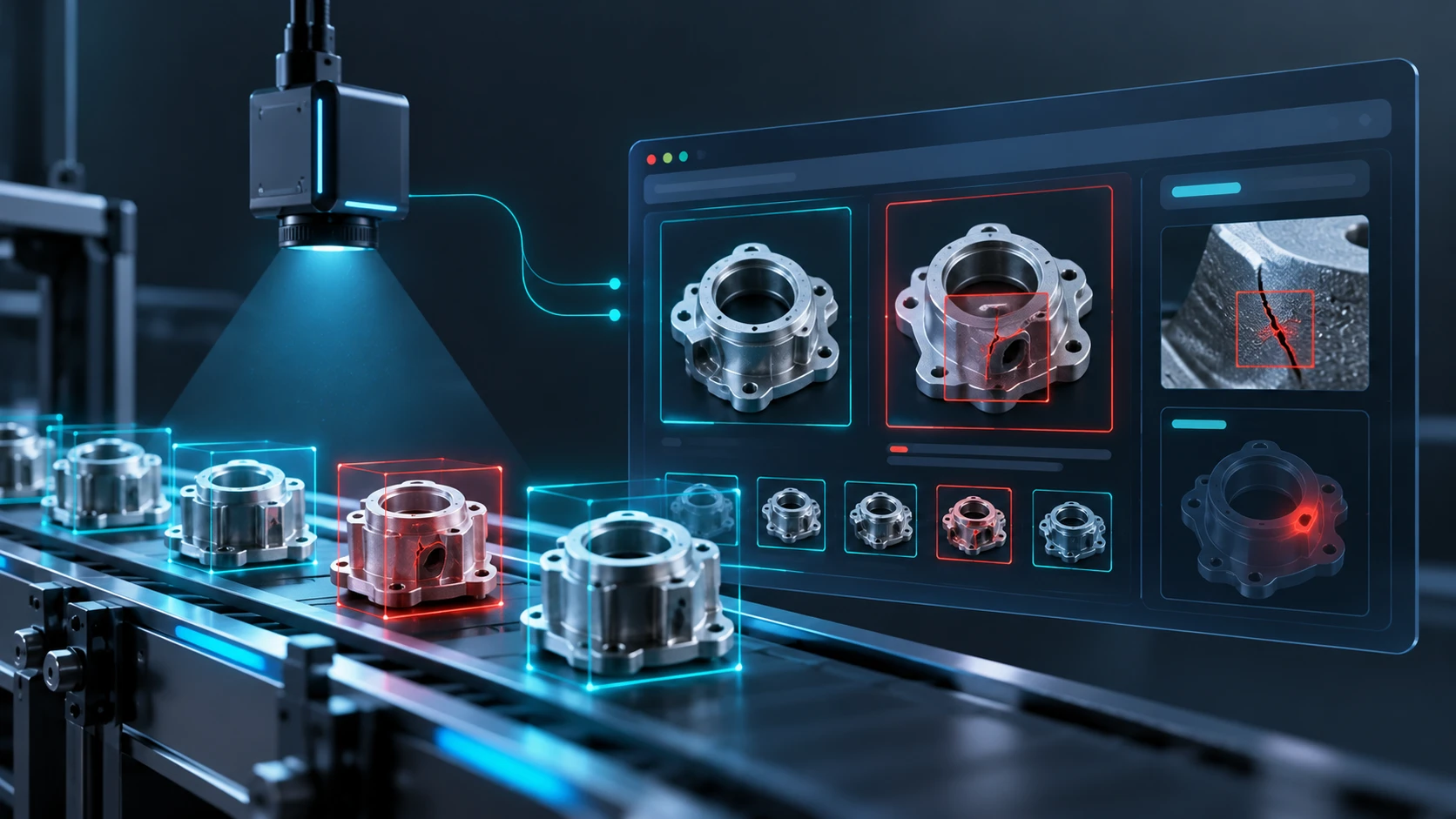
What it really takes to automate defect detection with AI, from lighting and labeling rare defects to setting reject thresholds, integrating with MES, and rolling out…

A practical guide to testing AI agents before launch, covering success metrics, trajectory checks, golden datasets, LLM judges, guardrails, CI regression tests and post-launch monitoring, with…

A practical reference design for enterprise RAG that holds up in production, covering ingestion, hybrid retrieval, reranking, document-level permissions, citations, evaluation, freshness, cost and observability.