
Since 2009
Seventeen years of shipping software for startups and enterprises, across every major shift in the web stack.



We turn Figma designs into accessible, fast, production-ready interfaces — in React, Next.js, Vue or Angular — and plug them into the APIs your own backend team already runs.













Building for the web since 2009

Pixel-accurate, responsive builds from your Figma files, with every spacing, type and colour value mapped to tokens rather than hard-coded.

Design tokens, a documented component library in Storybook and usage rules, so design and code stay in step as more people contribute.

Accessible builds from the start, plus audits and remediation of existing interfaces: keyboard access, focus order, contrast, labels and screen-reader testing.

Field-data driven fixes for LCP, INP and CLS — image and font loading, render-blocking CSS, third-party scripts and layout shifts.
We build the UI against your team's REST or GraphQL APIs, agree contracts up front and work in your repository, CI and review process.

We build in the framework that suits your product and your team, and advise honestly when a switch is or is not worth it.

Layouts tested across real browsers and devices, from small Android phones to wide desktop screens, including Safari's quirks.

jQuery, Bootstrap 3 and ageing CSS replaced with a component-based front end and a maintainable styling approach — screen by screen, without a freeze.
Search and filter experiences over large datasets, bilingual marketplaces and comparison platforms where the front end is the product.
Designers and frontend engineers in one team, who treat accessibility and speed as acceptance criteria rather than extras.
Seventeen years of shipping software for startups and enterprises, across every major shift in the web stack.

Independently certified information security — the baseline enterprise procurement checks.


Nine in ten clients come back for their next project — the most honest measure of delivery quality.


Verified client reviews collected independently by Clutch.


Our UI designers and frontend engineers review each other's work, so what ships matches what was signed off in Figma.
Every build is checked against WCAG 2.2 AA and Core Web Vitals budgets before release, not audited after complaints.
 A practical guide to frontend development
How a design becomes production code, how to hit accessibility and Core Web Vitals targets, and how to pick a framework and work smoothly with a separate backend team.
The gap between a signed-off design and the live product is where most frontend budgets leak — inconsistent spacing, one-off components and states nobody designed. We close it with tokens, a component inventory and a styling approach chosen for your team.

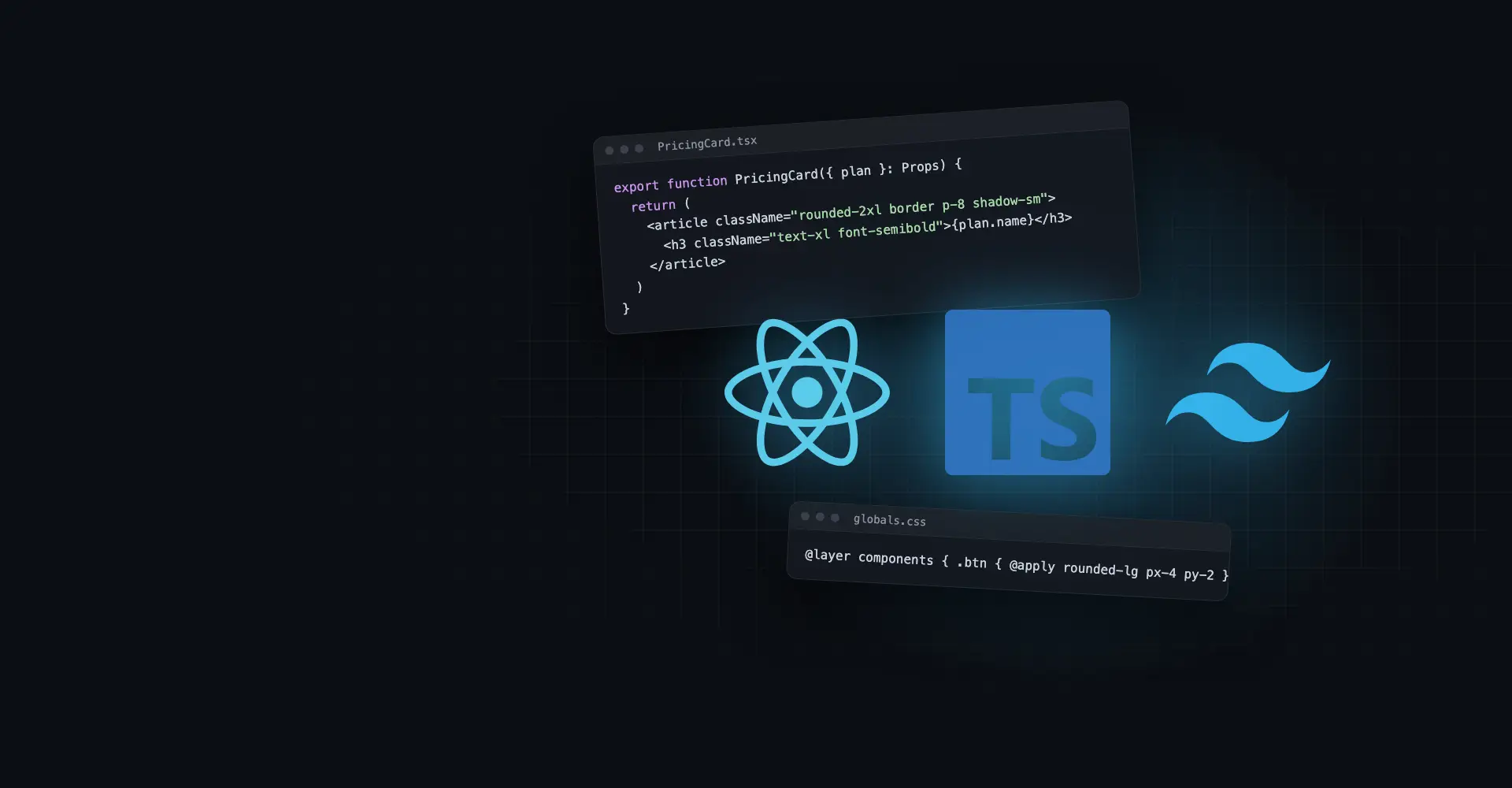
Utility classes driven by your tokens; fast to build, small CSS output and consistent spacing. Our default for new component-based projects.
Plain CSS scoped per component; ideal when your team prefers writing CSS, or when styles must be readable without learning a utility vocabulary.
Still the right choice for large existing stylesheets, WordPress themes and server-rendered sites; we organise it with clear layers and tokens as variables.
Useful for heavy runtime theming, but it adds JavaScript cost and fits poorly with server rendering, so we rarely choose it for new builds.
Key takeaway: invest in tokens and a component inventory before the first page — it is what keeps the tenth screen as consistent as the first.
Accessibility and speed are cheap when built in and expensive when retrofitted. We treat WCAG 2.2 AA and Google's Core Web Vitals thresholds as part of the definition of done for every component and page.
Key takeaway: write accessibility and performance targets into the acceptance criteria of each ticket — fixing them later costs several times more.
Most of our frontend work sits next to a backend someone else owns — an in-house team, another vendor or a platform like a headless CMS. The framework matters less than a clear API contract and a shared way of working.
A rewrite is rarely the cheapest fix. We advise against switching when:
Largest ecosystem and hiring pool; best for interactive apps behind a login. See our React development services.
React with server rendering; the default for public sites that must rank and load fast. See Next.js development.
Gentle learning curve and clean templates; a good fit for teams coming from server-rendered PHP or Laravel.
Opinionated and complete out of the box; suits large enterprise teams that want strict structure and built-in tooling.
Key takeaway: pick the framework your team can maintain, then agree the API contract before the first screen is built — that is what keeps frontend and backend moving in parallel.
We review your Figma files or existing interface for gaps — missing states, inconsistent components, accessibility and performance issues.
 Figma reviewExisting UI auditAccessibility baselineCore Web Vitals baseline
Design tokens and core components built and documented first, so pages are assembled from tested parts.
Design tokensCore componentsStorybook catalogueStyling approach agreedPages and flows built in sprints against an agreed API contract and mocks, integrated with your backend as endpoints land.
API contract & typesMocked endpointsResponsive layoutsPreview deploymentsAutomated and manual accessibility testing, cross-browser and device checks, and Core Web Vitals budgets gate each release.
Keyboard & screen-reader checksReal device testingVisual regressionPerformance budgetsLaunch with monitoring in place, then handover to your team with documentation — or continued support and improvements.
Release checklistReal-user monitoringComponent docsOngoing supportBook a free call with a senior frontend engineer — bring your Figma files, your live site or both.

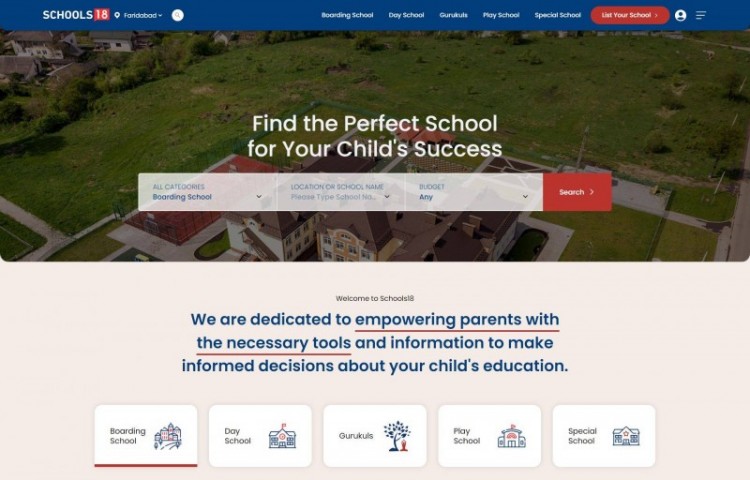
A school search and admissions portal for India with advanced dynamic search and filtering, Google Maps, and parent registration with mobile OTP — built for programmatic SEO and fast performance over a large dataset, on a Node.js and Strapi headless CMS back end.
See case study
 19,000+ schools
  Google Maps Fast at scale
  Strapi + Node.js
  Fixed-Scope Project
A defined UI build, design system or accessibility remediation with agreed scope, milestones and price.
Fixed scope & pricing Milestone-based delivery Dedicated project manager Documentation & handover Dedicated Frontend Developers
Frontend engineers embedded in your product team, working alongside your backend developers in your tools.
Full-time engineers Your sprint cadence Scale up or down Monthly billing Time & Materials
Flexible capacity for audits, Core Web Vitals fixes and ongoing UI improvements, billed on actual effort.
Pay for hours used Change priorities anytime Weekly reporting No long lock-inNot sure which fits? Tell us about your project and we'll recommend one.
Schedule a call
First-hand experiences from brands that scaled smarter, innovated faster, and achieved measurable growth with VOCSO.
View all client testimonials“Vocso team has really creative folks and is very co-operative to implement client project expectations. MicroSave Consulting had great experience working with Anju and Prem.”

“Working with Deepak and his team at Vocso is always a pleasure. They employ talented staff and deliver professional quality work every time.”

“We love how our website turned out! Thank you so much VOCSO Digital Agency for all your hard work and dedication.”

“VOCSO SEO & SEM services helped me find new customers in a small budget. Their advanced SEO strategies made us visible to everyone.”

“Vocso team has really creative folks and is very co-operative to implement client project expectations. MicroSave Consulting had great experience working with Anju and Prem.”
“Working with Deepak and his team at Vocso is always a pleasure. They employ talented staff and deliver professional quality work every time.”
“We love how our website turned out! Thank you so much VOCSO Digital Agency for all your hard work and dedication.”
“VOCSO SEO & SEM services helped me find new customers in a small budget. Their advanced SEO strategies made us visible to everyone.”
You delivered exactly what you said you would in exactly the budget and in exactly the timeline.







 Transparency on every decision Talented Team of AI Engineers Smooth Collaboration & Reporting Efficient & Adaptive Workflow Strict Privacy Assurance with NDA 12 Months Free Post-Launch Support On-time Delivery, No Surprises ISO 27001 Certified Engineering
Share your Figma files, your live site or your API documentation. We'll recommend a framework and styling approach, flag accessibility and performance risks, and give you a realistic plan and quote.
deepak@vocso.com — straight to a senior team member.
Turning designs into responsive, production-ready UI; building design systems and component libraries; accessibility and Core Web Vitals work; API integration; and cross-browser testing. We can own the whole front end or work on part of it alongside your team.
Yes, this is most of our frontend work. We agree an API contract (OpenAPI or GraphQL) up front, build against mocks so neither team blocks the other, and work inside your repository, code review and CI process.
Both. We can build from your existing Figma files, or our UI designers can create the design first through our custom web design service. Either way designers and engineers review the build together before release.
We build and test to WCAG 2.2 AA, using automated checks plus manual keyboard and screen-reader testing, and we document what was tested. For formal legal compliance statements we recommend an independent accessibility audit on top of our work.
Use Next.js for public sites that must rank, React for interactive apps behind a login, Vue when your team comes from a PHP or Laravel background, and Angular for large enterprise teams that want strict structure. If you already have a working codebase, staying on it is often the better choice.
Tailwind is our default for new component-based projects because it enforces your design tokens and keeps CSS output small. CSS Modules suit teams that prefer writing plain CSS; both work well with a proper token system.
Yes. We start from your Search Console and real-user data, find the pages and elements failing LCP, INP or CLS, and fix the causes — usually images, fonts, render-blocking CSS and third-party scripts. We then track field data until the improvements show up.
It depends on the number of unique templates and components, the framework, and whether design is included. We give a fixed quote for defined scopes or you can hire frontend developers monthly; the project cost estimator gives a quick ballpark.
Discover complementary services that enhance performance, improve user experience, and help your business build scalable digital solutions efficiently.