
Headless CMS vs Traditional CMS: How to Choose
A practical guide to choosing between a headless and a traditional CMS, covering performance, SEO, editor experience, cost, security and a decision table for common project types.

A traditional CMS such as WordPress or Drupal stores your content and renders the website from it, in one system. A headless CMS stores and manages content only, and sends it over an API to whatever front ends you build: a website, a mobile app, a kiosk, a partner feed. Choose traditional when you need one website fast, on a modest budget, with a team that is comfortable inside a plugin ecosystem. Choose headless when content has to feed more than one channel, when front-end performance and design freedom matter, or when the website is really part of a product.
Below are the trade-offs we weigh when a client asks which way to go, ending with a decision table for four common project types. If you already lean headless and want to see how we deliver it, our headless CMS development services page covers the process.
The architectural difference, in plain terms
A traditional (or "coupled") CMS bundles three things together: the content database, the admin interface editors use, and the templating layer that turns content into HTML. When a visitor requests a page, the CMS queries its database, runs the theme templates and returns the page. Plugins hook into that same process to add forms, SEO fields, caching, e-commerce and so on.
A headless CMS keeps the first two and drops the third. You still get a database, content models and an admin UI, but the output is structured data exposed through a REST or GraphQL API. A separate front-end application, often built with Next.js, fetches that data and handles rendering, routing and design.
The practical consequences follow from that split:
- Content is modeled, not laid out. In a headless CMS you define content types (Article, Product, Author, Landing Page section) with typed fields. That discipline pays off when the same content appears in several places, but it forces decisions up front.
- There are two deployables instead of one. The CMS and the front end are hosted, scaled, versioned and monitored separately.
- The front end is ordinary application code. It lives in Git, goes through code review and CI, and can use any component library or design system.
WordPress and Drupal can also run "headless" through their APIs. That can be a sensible migration path, but purpose-built platforms such as Strapi, Directus, Contentful and Sanity start from the API.
Performance and SEO
Neither architecture guarantees a fast site. Plenty of headless builds ship heavy client-side JavaScript and score worse than a lean WordPress theme. What headless gives you is control over the rendering strategy.
With a framework like Next.js, you can choose per route whether a page is statically generated at build time, regenerated on a schedule or on demand, or rendered on each request. Marketing pages and blog posts are usually static or incrementally regenerated and served from a CDN edge, which keeps time to first byte low and makes Core Web Vitals far easier to hit. Pages that need personalization can render on the server without dragging the rest of the site along.
On a traditional CMS, performance depends on caching plugins, host-level page caching and plugin hygiene. It can be very fast, but it degrades quietly as plugins accumulate.
For SEO specifically, the things that matter are the same on both sides: server-rendered HTML that crawlers can read without executing JavaScript, clean URLs, correct canonical tags, structured data, XML sitemaps, sensible redirects and fast pages. The difference is where they come from:
- Traditional: mostly from plugins (Yoast, Rank Math and similar). Editors get SEO fields and previews out of the box.
- Headless: you build them. Meta title and description fields go into your content model, the front end generates metadata, sitemaps and JSON-LD, and redirects need a home (often a Redirect collection in the CMS that the front end reads at build or request time).
That second list is not hard work, but it is work. We have seen headless launches lose rankings because nobody owned redirects from the old URL structure. Put SEO parity on the migration checklist before a single template is built.
Editor experience and preview
This is where headless projects most often disappoint, and it is rarely discussed in vendor comparisons.
WordPress editors are used to a visual block editor and a Preview button that simply works. In a headless CMS, the admin panel shows forms and fields, and the editor does not see the page until a separate front-end application renders it.
Good headless builds close that gap deliberately:
- Draft preview. The CMS has a Preview button that opens the front end in a draft mode, which fetches unpublished content instead of the published version. Next.js has a built-in Draft Mode for exactly this, and most headless platforms support configurable preview URLs.
- Flexible page building. Marketing teams want to assemble landing pages without a developer. Model reusable sections (hero, feature grid, testimonial strip, CTA) as components or blocks the editor can add and reorder, and build each once in the front end.
- Fast publish-to-live. If pages are statically generated, a publish must trigger revalidation. Otherwise editors hit Publish and see nothing change, and they stop trusting the system.
Here is a minimal on-demand revalidation endpoint in a Next.js App Router project. The CMS calls it from a webhook when an entry is published; the payload shape depends on your CMS, so adapt the field you read the slug from.
// app/api/revalidate/route.ts
import { revalidatePath } from 'next/cache';
import { NextRequest, NextResponse } from 'next/server';

export async function POST(req: NextRequest) {
  if (req.headers.get('x-webhook-secret') !== process.env.CMS_WEBHOOK_SECRET) {
    return NextResponse.json({ ok: false }, { status: 401 });
  }

  const body = await req.json();
  const slug = body?.entry?.slug;

  if (slug) {
    revalidatePath(`/blog/${slug}`);
  }
  revalidatePath('/blog');

  return NextResponse.json({ ok: true });
}
Budget real time for preview and page-building. If your content team is large and non-technical and nobody will fund that work, a traditional CMS may serve them better, and that is a legitimate answer.
Omnichannel delivery
This is the strongest argument for headless. When the same content needs to appear on a website, in iOS and Android apps, in an email template, on in-store screens or in a partner's feed, a coupled CMS makes you either duplicate content or scrape your own HTML. A headless CMS serves the same structured entries to every consumer through one API.
Be honest about whether you need it, though. "We might build an app someday" is not an omnichannel requirement. A real one looks like:
- A mobile app that shows the same articles, product details or course listings as the website.
- Several brand or regional sites that share a product catalog but differ in design and some copy.
- Content consumed by internal tools, search indexes or AI features, such as a retrieval pipeline that grounds a chatbot in your help articles.
That last case is increasingly common: structured content is far easier to index for AI features than HTML scraped from templates.
Cost and team skills
Headless is usually more expensive to build and can be cheaper to change later. Traditional is usually cheaper to launch and can get expensive to maintain as customization grows.
| Cost factor | Traditional CMS | Headless CMS |
|---|---|---|
| Initial build | Lower; themes and plugins cover a lot | Higher; front end, content model and preview are custom |
| Hosting | One application and database | CMS host plus front-end host (or a SaaS CMS subscription) |
| Licensing | Core is often free; premium plugins and themes add up | Open-source options (Strapi, Directus) are self-hostable; SaaS platforms charge by seats, usage or environments |
| Ongoing maintenance | Frequent core and plugin updates; compatibility breakage | Two codebases to update, but fewer third-party moving parts |
| Redesigns | Often a new theme and content rework | Rebuild the front end; content stays put |
| Skills needed | PHP/theme developers; many site builders can self-serve | JavaScript/TypeScript developers comfortable with React, APIs and deployment |
The skills row decides more projects than the cost rows. If your in-house team is two marketers and a freelancer who knows WordPress, a headless stack will make you dependent on developers for changes you used to make yourself. If you already have a product engineering team working in React and TypeScript, headless fits their existing workflow and hiring pool, and a WordPress site becomes the odd system nobody wants to touch.
SaaS versus self-hosted is its own decision inside headless. SaaS platforms remove operational work but can get expensive as seats, locales and API usage grow, and your content lives in their system. Self-hosted open-source options like Strapi or Directus give you data ownership and predictable costs, in exchange for running the server, database, backups and upgrades. We compare those two in detail in Strapi vs Directus.
Security
Traditional CMS platforms are large targets. The core is generally well maintained, but most real-world compromises come through outdated plugins and themes, weak admin credentials and exposed login pages. Every plugin is third-party code running with full access to your site and database.
A headless setup changes the attack surface:
- The public website can be static files or a front-end app with no direct database connection. There is no admin login on the public domain.
- The CMS admin and API can sit on a separate domain, behind a VPN, IP allowlist or SSO.
- Front-end tokens can be read-only and scoped to published content.
Headless is not automatically secure. Common mistakes include leaving public API permissions too broad (exposing draft content or user records), shipping a privileged API token in client-side JavaScript, and forgetting to patch the self-hosted CMS. Treat the CMS as a backend service: least-privilege API roles, secrets kept server-side, dependency updates on a schedule and audit logs switched on. VOCSO is ISO 27001 certified, and we treat these as baseline requirements rather than extras.
Decision table: which CMS fits which project
| Project type | Recommendation | Why |
|---|---|---|
| Brochure site (5–20 pages, one language, marketing team edits occasionally) | Traditional CMS, or a static site if content rarely changes | Fastest and cheapest path. Headless adds a second system without a matching benefit. |
| Content-heavy marketing site (blog, resources, landing pages, frequent publishing, SEO-driven growth) | Either; lean headless if performance, design control or a developer-led team matter | Traditional works if editors need page building on day one. Headless with Next.js wins on speed and design consistency, provided preview and page sections are built properly. |
| Multi-brand or multi-region (shared content, different designs, several locales) | Headless | One content hub with localization and shared entries feeds several front ends. Coupled multisite setups get awkward as brands diverge. |
| App + web (mobile app and website sharing content, or a web product with a marketing site) | Headless | A single API for every client is the core use case. The alternative is duplicate content or brittle scraping. |
A useful tiebreaker: list every place your content will appear in the next two years, and who will edit it. If the list has one entry and the editors are non-technical, go traditional. If it has three or more, or the website is part of a product your engineers own, go headless.
Why Next.js is such a common headless front end
You can pair a headless CMS with any front end, including Astro, Nuxt, SvelteKit, Remix or a native mobile app. Next.js shows up most often for a few concrete reasons:
- Mixed rendering per route. Static generation, incremental and on-demand revalidation, and server rendering live in one app, so a blog, a product catalog and a logged-in dashboard can share a codebase.
- Built-in SEO primitives. The Metadata API, generated sitemaps and robots files, and server components that send HTML rather than empty shells cover most of what SEO plugins do on a traditional CMS.
- Draft Mode. A first-party mechanism for CMS previews, which addresses the biggest editor complaint about headless.
- Image optimization and caching. The Image component handles responsive sizes and modern formats for images served from the CMS media library.
- React ecosystem and hiring. Most front-end developers already know React, and most headless CMS vendors publish Next.js starters and SDK examples.
We built Colleges18 and Schools18, two education discovery platforms, on Strapi and Next.js for exactly this mix: large volumes of structured listings that need to be crawlable and fast, alongside editorial content managed by a non-developer team. If you want the architecture detail, see our post on Next.js headless CMS architecture, and for front-end builds on their own, our Next.js development services.
Migration checklist if you are moving from traditional to headless
- Inventory content types and URLs from the current site, including orphaned pages that still get traffic.
- Design the content model around reuse, not around the old templates.
- Build a redirect map for every URL that changes, and test it before launch.
- Recreate SEO fields, structured data, sitemaps and canonical logic in the front end.
- Set up draft preview and publish-triggered revalidation before editors start using the system.
- Script the content migration so you can run it repeatedly, rather than copying by hand.
- Lock down API permissions and move the CMS admin off the public domain.
- Train editors on the new workflow with their real content, not a demo site.
For a WordPress-specific take on this move, see Strapi vs WordPress.
FAQ
Is a headless CMS better for SEO than WordPress?
Not inherently. Headless with server rendering or static generation makes it easier to build a very fast site with clean markup, which helps. But WordPress gives you mature SEO plugins out of the box, while a headless build requires you to implement metadata, sitemaps, structured data and redirects yourself. Done well, either can rank.
Can non-technical editors use a headless CMS?
Yes, if the project invests in editor experience: clear field labels, reusable page sections, draft preview and fast publishing. Without that investment, editors find headless admin panels abstract and frustrating, because they are editing forms rather than pages.
Is headless CMS overkill for a small business website?
Usually, yes. For a small site with one channel and infrequent updates, a traditional CMS or a static site generator is cheaper to build and simpler to run. Headless starts paying off when content is reused across channels or the site is part of a larger product.
Can I use WordPress as a headless CMS?
You can, using its REST API or a GraphQL plugin with a separate front end. It is a reasonable step if your editors are attached to WordPress. The trade-off is that you still maintain WordPress core and plugins while using none of its theming, so for new builds a purpose-built headless CMS is often cleaner.
If you are weighing a headless build, a replatform, or a WordPress-to-headless migration, we are happy to look at your content, channels and team and give you a straight recommendation, even if it is to stay on a traditional CMS. You can see how we scope and deliver these projects on our headless CMS development page.
Keep reading
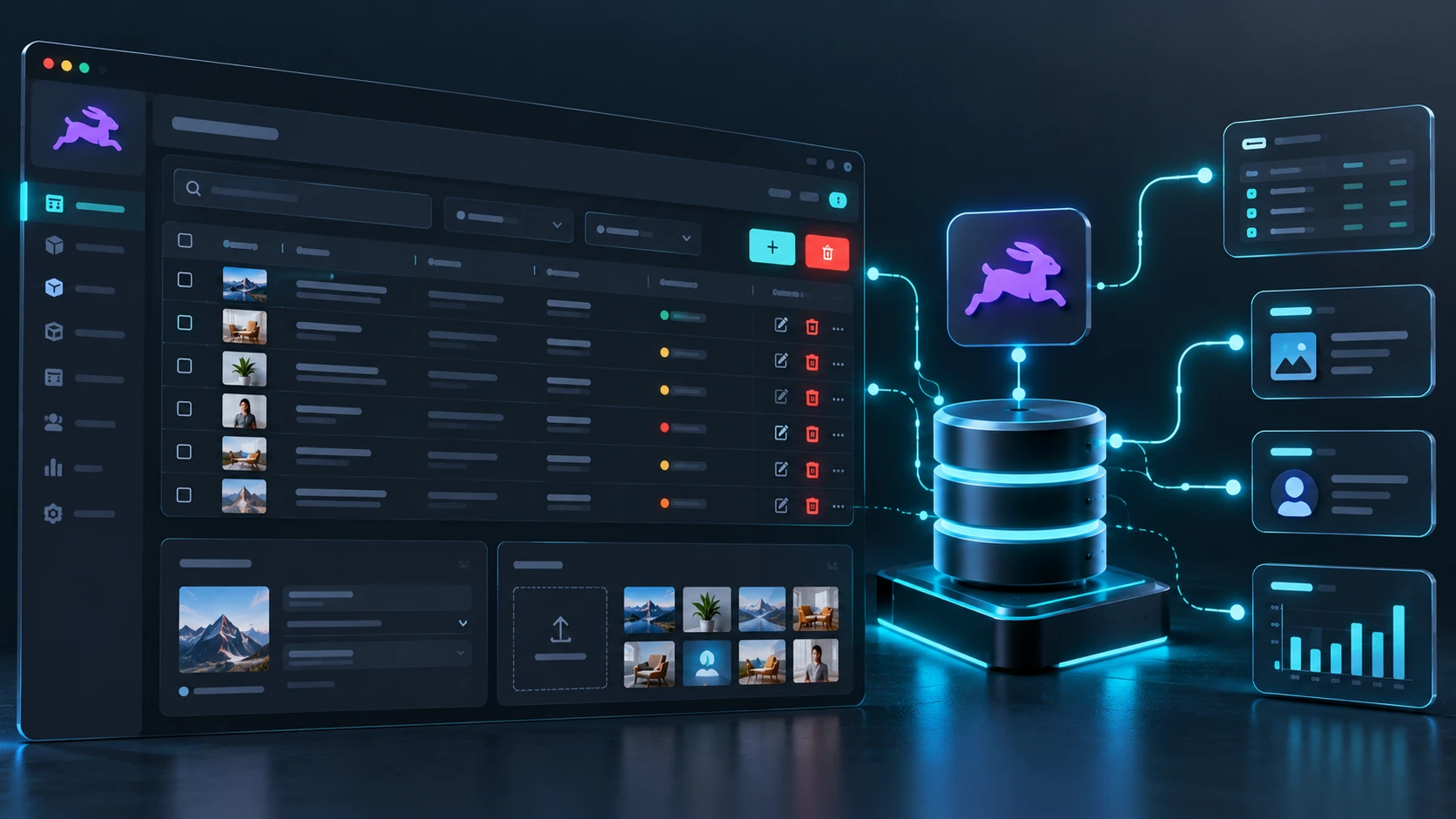
Directus turns an existing SQL database into a secure, role-aware admin panel and API without migrating data. Here is how it works, where it fits, and…
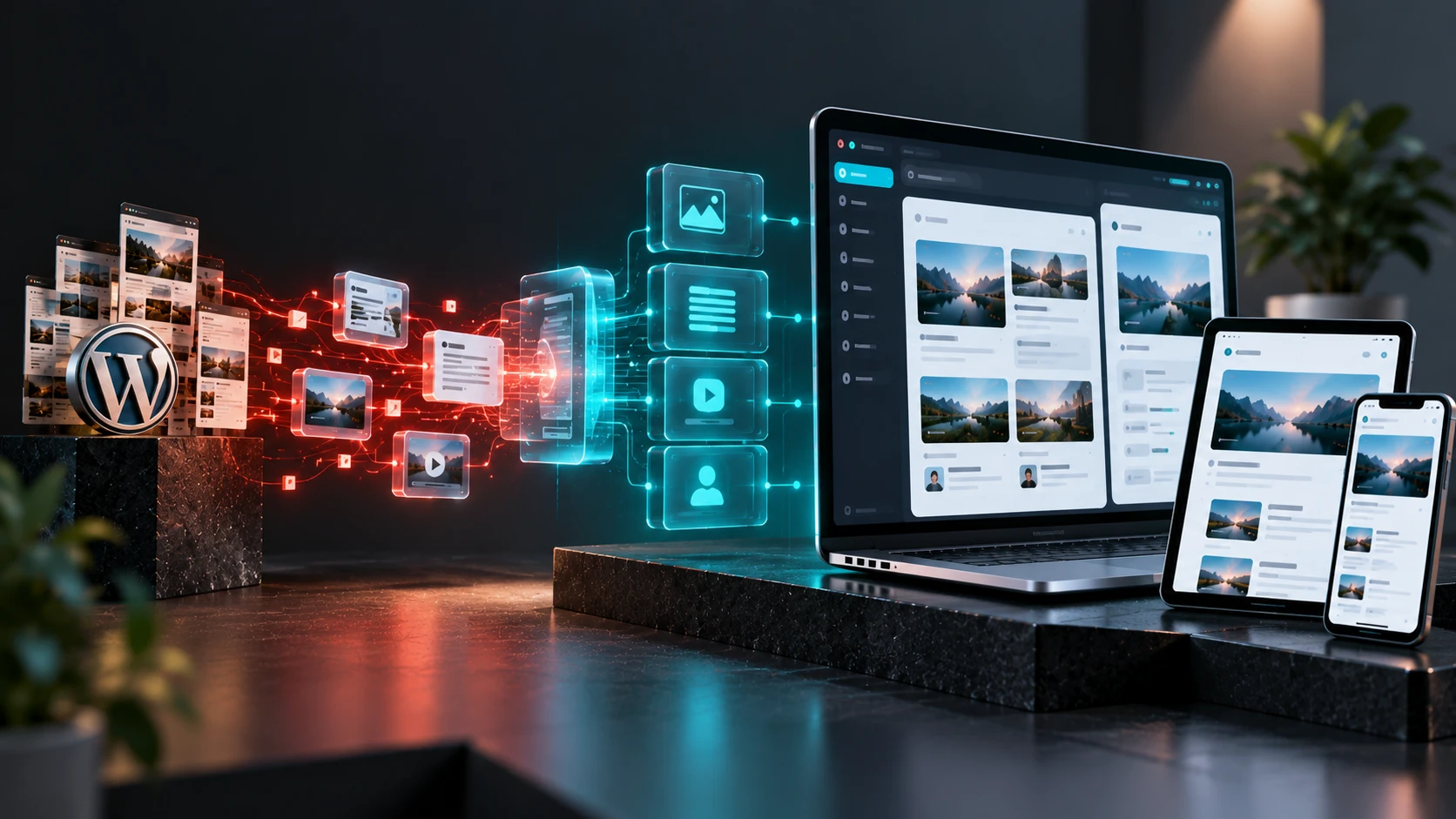
A practical playbook for moving from WordPress to Strapi or Directus with Next.js, covering when it's worth it, content modeling, redirects, SEO parity, preview and rollout.
A practical Next.js SEO checklist for the App Router, covering metadata, sitemaps, structured data, redirects, hreflang, 404 handling and Core Web Vitals, with code for each…