
Since 2009
Seventeen years of shipping software for startups and enterprises, across every major shift in the web stack.


We help you choose the right headless CMS — Strapi, Directus, Payload, Sanity, Contentful or a custom build — then model your content, connect it to a fast Next.js front end and move you off WordPress without losing rankings.













Building for the web since 2009
A short, vendor-neutral assessment of your content, editors, channels and budget, ending in a recommended CMS, hosting model and front-end approach.
Open-source, Node.js-based headless CMS for content-led websites and apps — custom plugins, lifecycle logic and v4 to v5 upgrades.
Database-first headless CMS that wraps an existing SQL database with an admin app, APIs, Flows and fine-grained permissions.
When no off-the-shelf CMS fits your workflows, data or licensing, we build a purpose-made content platform with its own API.

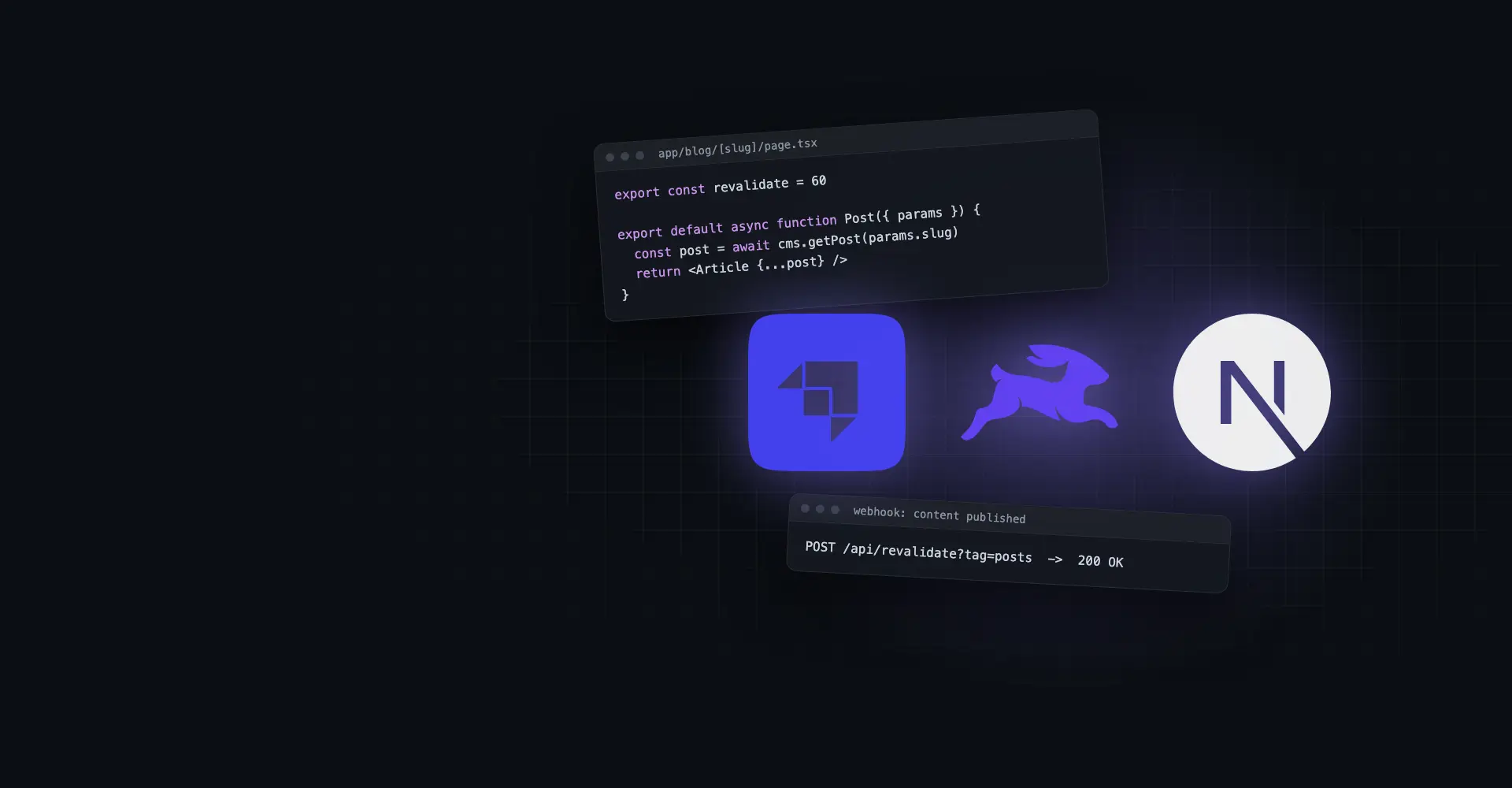
Server-rendered and statically generated Next.js sites with draft preview and on-demand revalidation wired to CMS webhooks.

Content types, reusable blocks, taxonomies and roles designed with your editors, so they can publish without asking a developer.

Content, media and users moved from WordPress into a headless CMS by script, with URL mapping, redirects and metadata parity to protect SEO.
One content source feeding websites, mobile apps, kiosks, email and partner feeds through REST or GraphQL APIs.
Headless where scale, search and multiple channels demanded it — and a custom WordPress build where it didn't.
We build on several CMSs, so our recommendation follows your requirements rather than our favourite tool.
Seventeen years of shipping software for startups and enterprises, across every major shift in the web stack.

Independently certified information security — the baseline enterprise procurement checks.
Nine in ten clients come back for their next project — the most honest measure of delivery quality.


Verified client reviews collected independently by Clutch.
Strapi Community Partner, Directus specialists, custom CMS builders and long-time WordPress developers — we'll tell you when headless isn't worth it.
The same team designs the content model and the Next.js front end, so preview, caching and SEO work from the first release.
 A practical guide to headless CMS development
What headless actually changes, how to choose a platform, and how preview, revalidation and migration work in practice.
A headless CMS stores and manages content but has no front end of its own. It serves content through an API, and a separate application — usually a Next.js site, a mobile app or both — decides how it looks. A traditional CMS such as WordPress does both jobs in one system.

Key takeaway: go headless when speed, scale, security or multiple channels justify two applications — otherwise a well-built WordPress site is the honest answer.
Every headless CMS stores content and exposes an API; the differences are in who hosts it, where the data model lives, how it is licensed and how far it can be customised. We shortlist on those four questions before looking at features.
Directus.
Strapi, or Payload if the team wants everything inside Next.js.
Sanity or Contentful, budget permitting.
A custom CMS with its own API.
Key takeaway: decide on hosting, data ownership and licensing first — the feature lists of mature headless CMSs are closer than their pricing and lock-in.
A headless project succeeds or fails on three things that happen outside the CMS admin: how content is modelled, how editors preview and publish to the live site, and how existing content and rankings are carried over.

Key takeaway: treat the content model, preview flow and redirect map as deliverables in their own right — they decide whether editors and search engines are happy after launch.
We review your content, editors, channels and constraints, then recommend a CMS, hosting and front end with the trade-offs written down.
 Content & channel auditCMS shortlistHosting & licence checkFixed quote & timeline
Types, relations, reusable blocks, locales and roles designed and tested with your editors before the build starts.
Content modelEditor workflowsRoles & permissionsURL & SEO planThe CMS and the Next.js front end built together in sprints, with preview and revalidation working from the first release.
CMS configuration & codeNext.js front endDraft previewWebhook revalidationContent imported by script and checked, redirects mapped, and performance, SEO and permissions tested before launch.
Scripted migrationRedirect mapCore Web Vitals checksEditor acceptanceGo-live with monitoring, editor training and a plan for new channels, content types and CMS upgrades.
Editor trainingSearch monitoringCMS & framework updatesOngoing supportBook a free call — bring your current site, your CMS shortlist or just the problem you're trying to solve.

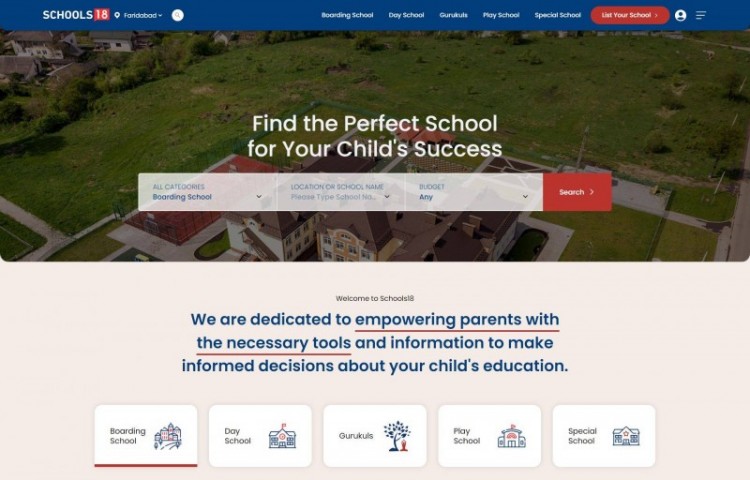
A school search and admissions portal for India with advanced search and filtering, Google Maps and mobile OTP parent registration. Strapi on a Node.js back end manages the school data, and the site is built for programmatic SEO and fast performance with large data.
See case study 19,000+ Schools
  Dynamic Search
  Programmatic SEO
  Google Maps
  Fixed-Scope Project
A new headless build or WordPress migration with agreed scope, milestones and price.
Fixed scope & pricing CMS recommendation Dedicated project manager Documentation & handover Dedicated Headless Team
CMS, back-end and Next.js engineers working as part of your team on an ongoing content platform.
Full-time engineers CMS & front-end skills Scale up or down Named tech lead Time & Materials
Flexible capacity for CMS audits, new content types, integrations and performance work, billed on actual effort.
Pay for hours used Change priorities anytime Weekly reporting No long lock-inNot sure which fits? Tell us about your project and we'll recommend one.
Schedule a call
First-hand experiences from brands that scaled smarter, innovated faster, and achieved measurable growth with VOCSO.
View all client testimonials“Vocso team has really creative folks and is very co-operative to implement client project expectations. MicroSave Consulting had great experience working with Anju and Prem.”

“Working with Deepak and his team at Vocso is always a pleasure. They employ talented staff and deliver professional quality work every time.”

“We love how our website turned out! Thank you so much VOCSO Digital Agency for all your hard work and dedication.”

“VOCSO SEO & SEM services helped me find new customers in a small budget. Their advanced SEO strategies made us visible to everyone.”

“Vocso team has really creative folks and is very co-operative to implement client project expectations. MicroSave Consulting had great experience working with Anju and Prem.”
“Working with Deepak and his team at Vocso is always a pleasure. They employ talented staff and deliver professional quality work every time.”
“We love how our website turned out! Thank you so much VOCSO Digital Agency for all your hard work and dedication.”
“VOCSO SEO & SEM services helped me find new customers in a small budget. Their advanced SEO strategies made us visible to everyone.”
Default Tool Description





 Transparency on every decision Talented Team of AI Engineers Smooth Collaboration & Reporting Efficient & Adaptive Workflow Strict Privacy Assurance with NDA 12 Months Free Post-Launch Support On-time Delivery, No Surprises ISO 27001 Certified Engineering
Tell us about your content, your editors and the channels you publish to. We'll recommend a CMS and architecture — or tell you if WordPress is still the better fit — and send a fixed quote for defined work.
deepak@vocso.com — straight to a senior team member.
A headless CMS manages content but has no built-in front end; it delivers content through an API to a separate website, app or other channel. This lets you build a faster, more secure front end — usually with Next.js — and reuse the same content across several channels.
Not always. Headless is better when you need top performance, multiple channels, structured content at scale or a smaller security surface. For a small marketing site with a few editors, a well-built WordPress site is usually cheaper to build and run.
Directus if you have an existing SQL database or need an internal tool; Strapi for a new self-hosted content platform; Payload if your developers want the CMS inside a Next.js app; Sanity or Contentful for large editorial teams that want fully hosted SaaS. If none fit your workflows or licensing, a custom CMS is an option.
We connect the CMS to Next.js draft mode, so editors click “preview” and see unpublished content on the real design. When they publish, a webhook triggers on-demand revalidation so only the affected pages are refreshed within seconds.
Not if the migration is planned properly. We map every URL with 301 redirects, carry over titles, descriptions, canonicals and structured data, and monitor Search Console after launch — and a faster, server-rendered front end usually helps rankings over time.
It depends on the CMS, the number of content types and page templates, integrations and how much content needs migrating. We give a fixed quote after a discovery call; our project cost estimator gives a quick ballpark first.
Yes — that's one of the main reasons to go headless. The website and a React Native app read the same content through REST or GraphQL APIs, and each requests only the fields it needs.
Self-hosted Strapi or Directus gives you full control of data, region and costs but needs maintenance, which we can provide. SaaS products like Sanity and Contentful remove the servers but charge by users, usage or locales, and your content lives on their platform.
Discover complementary services that enhance performance, improve user experience, and help your business build scalable digital solutions efficiently.