
Best Web Scraping APIs in 2026: 12 Options Compared
We compared 12 web scraping APIs on price per 1,000 requests, rendering and proxy multipliers, anti-bot handling, success-only billing, LLM-ready output and MCP support, with prices checked on 10 November 2026.

Quick answer: the best web scraping API depends on what you are scraping. Bright Data and Oxylabs lead for enterprise-scale and e-commerce or search data. Zyte API is the best value when you mix easy and hard sites. ScrapingBee, ScraperAPI and Scrape.do are the simplest and cheapest to start with. ZenRows and Scrapfly suit heavily protected sites. Firecrawl and Apify are the strongest choices for feeding AI and RAG pipelines. Entry prices run from about $0.12 to $1.50 per 1,000 plain requests, but JavaScript rendering and residential proxies multiply that by 5 to 25 times on most platforms.
We compared 12 web scraping APIs on the things that decide the bill and the success rate: price per 1,000 successful requests, how much rendering and premium proxies multiply that price, anti-bot handling, output formats for LLMs, concurrency, and whether failed requests are free. All prices below were checked on each vendor's own pricing and documentation pages on 10 November 2026. We build and run scrapers for clients through our web scraping services, so this guide focuses on what changes cost and reliability in production, not on feature checklists.
Key takeaways
- Headline prices mislead. A plain request costs 1 credit almost everywhere, but a rendered request through residential proxies costs 25 credits on ZenRows, ScrapingBee and Scrape.do and 30 on Scrapfly. A 250,000-credit plan can mean just 10,000 protected pages.
- Flat pricing exists. Bright Data includes rendering at $1.50 per 1,000, and Firecrawl charges 1 credit per page with rendering included. These win on hard or JavaScript-heavy targets.
- Zyte prices by site difficulty ($0.13 to $16.08 per 1,000), which is cheapest for simple sites but unpredictable until a site is assigned a tier.
- Most APIs now bill only for successful requests, but definitions differ. Several count 404 responses as successful, and Apify bills compute whether or not a run succeeds.
- AI readiness is now standard. Nearly all of them return LLM-ready Markdown, and eleven of the twelve have an official MCP server for AI agents. Scrape.do is the exception.
- Ownership has consolidated. ScrapingBee is part of the Oxylabs group, ScraperAPI bought Traject Data, and Smartproxy is now Decodo. Keep this in mind when comparing "independent" reviews.
What is a web scraping API?
A web scraping API is a hosted service that fetches a web page for you and returns its content, handling the parts that usually get a scraper blocked: rotating proxy IPs, realistic browser fingerprints, JavaScript rendering, CAPTCHA and anti-bot challenges, and retries. You send one HTTP request with the target URL and options such as country or rendering. You get back HTML, JSON, Markdown or a screenshot, and on most plans you pay only when the request succeeds.
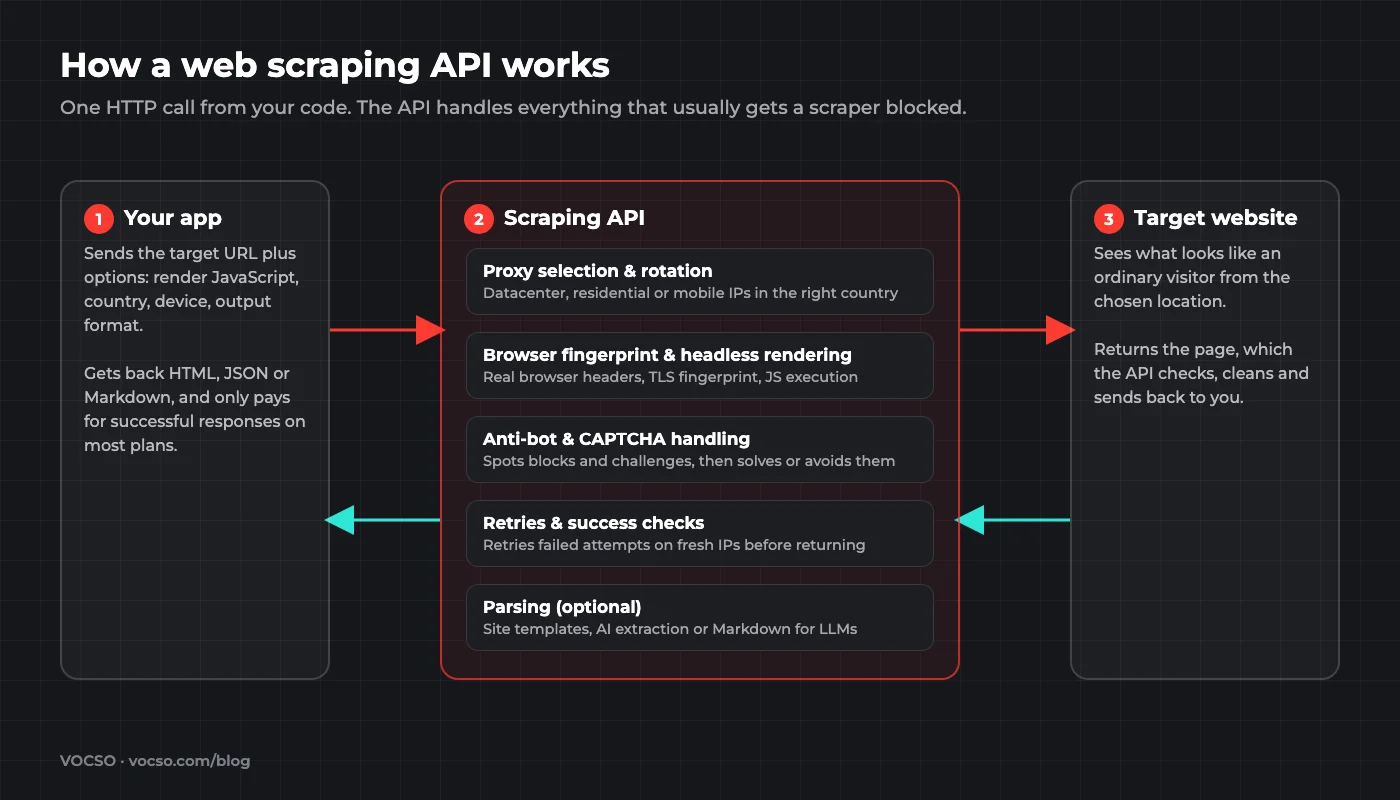
A scraping API is different from a proxy service, which only gives you IP addresses and leaves rendering, fingerprints and retries to you. If you are still choosing between the two, our guide to proxy APIs for web scraping covers the proxy side. It is also different from running your own headless browsers with Selenium, Puppeteer or Playwright, which we compare in this breakdown of browser automation tools.
Why scraping APIs matter more in 2026
Websites have become much harder to scrape with a simple script. According to Imperva's 2026 Bad Bot Report, automated traffic made up more than 53% of all web traffic in 2025. That traffic has pushed site owners to deploy stricter bot defences. Cloudflare began blocking known AI crawlers by default on new domains from 1 July 2025. Cloudflare's own data from July 2025 showed AI crawlers fetching anywhere from about 200 to 38,000 pages for every visitor they sent back. The practical result: unblocking, rendering and fingerprinting are now the expensive part of scraping, and that is exactly what these APIs sell.
Web scraping API comparison table
The table compares entry-level pricing. Costs per 1,000 requests are our own arithmetic from each vendor's entry paid plan (plan price divided by included credits, times the credit multiplier), not figures the vendors publish. Volume plans are cheaper.
| API | Free option | Entry price | Per 1K plain requests* | Per 1K JS-rendered* | Pay only for success | Official MCP server |
|---|---|---|---|---|---|---|
| Bright Data | 5K/mo | PAYG $1.50/1K | $1.50 | $1.50 (included) | Yes | Yes |
| Oxylabs | $5 credit | $15/mo | $0.50 to $1.00 | $1.50 | Not stated | Yes |
| Zyte API | $5 credit (30 days) | PAYG, no minimum | $0.13 to $1.27 | $1.01 to $16.08 | Yes | Yes |
| ScraperAPI | 1K/mo + 7-day trial | $49/mo | $0.49 | $4.90 | Yes | Yes |
| ScrapingBee | 1K credits | $19/mo | $0.25 | $1.27 | Yes (errors free) | Yes |
| Decodo | 10K pages/mo | $19/mo | ~$0.50 | Not published | Yes | Yes |
| ZenRows | 5K/mo | $19/mo | $0.42 | $2.11 | Yes | Yes |
| Scrapfly | 1K one-time | $30/mo | $0.15 | $0.90 | Yes, with conditions | Yes |
| Apify | $5 usage/mo | $19/mo | ~$0.20 (est.) | $0.50 to $5 (est.) | No (compute billed) | Yes |
| Firecrawl | 1K/mo | $19/mo | $3.80 ($0.99 on $99 plan) | Same (included) | Not stated | Yes |
| Crawlbase | 1K to 5K credits | PAYG or $99/mo | ~$0.50 | ~$1.00 | Yes | Yes |
| Scrape.do | 1K credits | $29/mo | $0.12 | $0.58 | Yes | No |
*Entry paid plan, simple target, datacenter proxies unless rendering is included. Protected sites cost more on every platform. Prices checked 10 November 2026; always confirm on the vendor's pricing page before buying.
Best web scraping APIs by use case
- Enterprise scale and ready-made datasets: Bright Data
- Search results and large e-commerce catalogues: Oxylabs
- Mixed easy and hard sites, Python and Scrapy teams: Zyte API
- Simplest developer onboarding: ScraperAPI, ScrapingBee
- Free plan and tight budgets: Decodo, ZenRows
- Heavily protected sites: ZenRows, Scrapfly, Bright Data
- Lowest cost per request at volume: Scrape.do, Crawlbase
- AI, RAG and LLM ingestion: Firecrawl, Apify
- Ready-made scrapers for specific platforms: Apify
The 12 best web scraping APIs reviewed
Listed in no ranked order. Each review covers who it is for, current pricing, and the trade-offs that only show up once you run it at volume.
1. Bright Data (Web Scraper API and Web Unlocker)
Bright Data sells two API products that matter here. The Web Scraper API returns structured JSON from a library of 1,400+ pre-built scrapers for large platforms, and Web Unlocker fetches any URL and returns HTML, JSON, Markdown or a screenshot. Both include browser rendering and CAPTCHA solving in the price, run on a residential pool Bright Data puts at 400M+ IPs, and can deliver results by webhook or straight to AWS, GCP, Azure or Snowflake.
Best for: enterprises and data teams that want ready-made scrapers for major sites, bulk delivery into a warehouse, and no concurrency ceiling.
Pricing: free tier of 5,000 records (or requests) a month. Pay-as-you-go is $1.50 per 1,000; the Scale plan is $499 a month for about 384,000, then $1.30 per 1,000. JS rendering is included rather than charged as a multiplier.
Strengths:
- Flat price per request: rendering and unblocking do not multiply the cost.
- Unlimited concurrency on paid plans and batches of up to 5,000 URLs per call.
- Broad AI tooling: a hosted MCP server, AI-generated scrapers and Python and Node SDKs.
Watch out for:
- The most expensive option per request for simple pages.
- The product line (Scraper API, Unlocker, Scraping Browser, SERP API) takes time to untangle, and its own pages quote different scraper counts.
2. Oxylabs Web API
Oxylabs reorganised its scraper into a credit-based Web API with a /scrape endpoint (HTML, Markdown, JSON or screenshot) and a /search endpoint, alongside dedicated scrapers for targets like Google and Amazon. The older "Web Scraper API (Classic)" is still documented. It supports JS rendering, desktop or mobile emulation, country targeting (down to ZIP code on some targets) and async jobs delivered by callback or to cloud storage. Oxylabs claims 177M+ proxies across 195 countries.
Best for: teams scraping search results and large e-commerce catalogues at volume, and buyers who need enterprise compliance paperwork.
Pricing: plans start at $15 a month (Starter), then $100 and $500, with Enterprise from $2,500; the plan amount becomes a shared credit balance, and new accounts get $5 in credits. Generic scraping is listed at $0.50 per 1,000 results at entry volume, falling to $0.25 at 10M+. Custom-domain rates are listed at $1.00 per 1,000 without JS and $1.50 with JS, and AI parsing costs $3.00 per 1,000 pages.
Strengths:
- Low per-result prices on simple targets that drop sharply with volume.
- Dedicated SERP and e-commerce scrapers with fine-grained location targeting.
- Official MCP server, AI parsing by prompt or schema, and SOC 2 Type II claimed in its docs.
Watch out for:
- The pricing page lists both a $0.50 generic rate and $1.00 to $1.50 custom-domain rates, so test your own URLs before committing.
- Unused credits expire at the end of the billing cycle, and many third-party reviews still describe the old product.
3. Zyte API
Zyte API, from the team that maintains the open-source Scrapy framework, prices each website by how hard it is to scrape. Zyte puts every site into one of five tiers, separately for plain HTTP and browser-rendered requests. One endpoint covers ban handling, browser rendering with scripted actions, sessions, screenshots and automatic extraction of products, articles, job postings and search results.
Best for: Python and Scrapy teams, and projects that mix many easy sites with a few hard ones, since you pay less on the easy ones.
Pricing: $5 of free credit valid for 30 days, then pay-as-you-go with no minimum or monthly commitments of $100 to $500. Per 1,000 requests on pay-as-you-go, HTTP ranges from $0.13 (simplest tier) to $1.27 (hardest), and browser rendering from $1.01 to $16.08. Commitments roughly halve those rates.
Strengths:
- Very cheap on simple sites: the lowest published HTTP rate in this list.
- Failed and rate-limited responses are free.
- Mature automatic extraction, plus a hosted MCP server and Claude Code plugin.
Watch out for:
- You cannot predict cost until Zyte has assigned a site its tier, and tiers are reviewed quarterly.
- Browser rendering on the hardest sites is expensive, and residential IPs require identity (KYC) verification.
4. ScraperAPI
ScraperAPI is one of the simplest APIs to start with: pass a URL and optional flags such as render=true, a country, a device type or a session number, and it handles proxies, retries and CAPTCHAs. It adds structured endpoints for Amazon, Google, Walmart and others, an async API that retries jobs until they succeed, an AI parser and an MCP server. In 2026 ScraperAPI acquired Traject Data, the company behind Rainforest API and SerpWow.
Best for: developers and small-to-mid teams who want a simple credit model and generous concurrency.
Pricing: a 7-day trial with 5,000 credits; after that a free plan with 1,000 credits a month. Paid plans start at $49 a month for 100,000 credits (Hobby) and run to $1,975 for 21.5M. A plain request costs 1 credit, while JS rendering or premium proxies cost 10, Google 25 and the top "ultra premium plus render" setting 75. That works out to about $0.49 per 1,000 plain requests and $4.90 per 1,000 rendered ones on Hobby.
Strengths:
- Only successful responses are billed (200 and 404).
- High concurrency for the price: 20 threads on the entry plan, up to 500 on Advanced.
- Geotargeting, sessions and output formats cost nothing extra.
Watch out for:
- Country-level targeting starts at the $299 Business plan; lower plans get US and EU regions only.
- Credit multipliers on Google and protected sites add up quickly, so use the dashboard cost estimator per domain.
5. ScrapingBee
ScrapingBee is a developer-friendly API with JS rendering on by default, scripted browser actions (click, fill, scroll, infinite scroll), screenshots, CSS-rule extraction and AI extraction from plain-English queries. Its Auto-Mode steps up through proxy and rendering settings and charges only for the one that works. It also has ready-made APIs for Google, Amazon, Walmart and YouTube, and integrations for n8n, Make, Zapier and MCP. ScrapingBee has been part of the Oxylabs group since June 2025 and still runs under its own brand.
Best for: freelancers, startups and no-code builders who want an inexpensive entry plan and readable parameters.
Pricing: 1,000 free credits with no card. Paid plans start at $19 a month for 75,000 credits (Hobby) and reach $599 for 8M. Credits per request: 1 for a classic proxy without JS, 5 with JS (the default), 10 or 25 for premium proxies, and 75 for the stealth proxy. That is about $0.25 per 1,000 plain requests and $1.27 per 1,000 rendered ones on Hobby.
Strengths:
- Cheapest entry plan in this list, with premium proxies and geotargeting (200+ countries) on every plan.
- Blocked and error responses (403, 429, 500) are not charged.
- Auto-Mode with a
max_costcap keeps hard-site experiments affordable.
Watch out for:
- Because rendering is on by default, every request quietly costs 5 credits until you switch it off.
- The 75-credit stealth mode does not accept custom headers or timeouts.
6. Decodo Web Scraping API
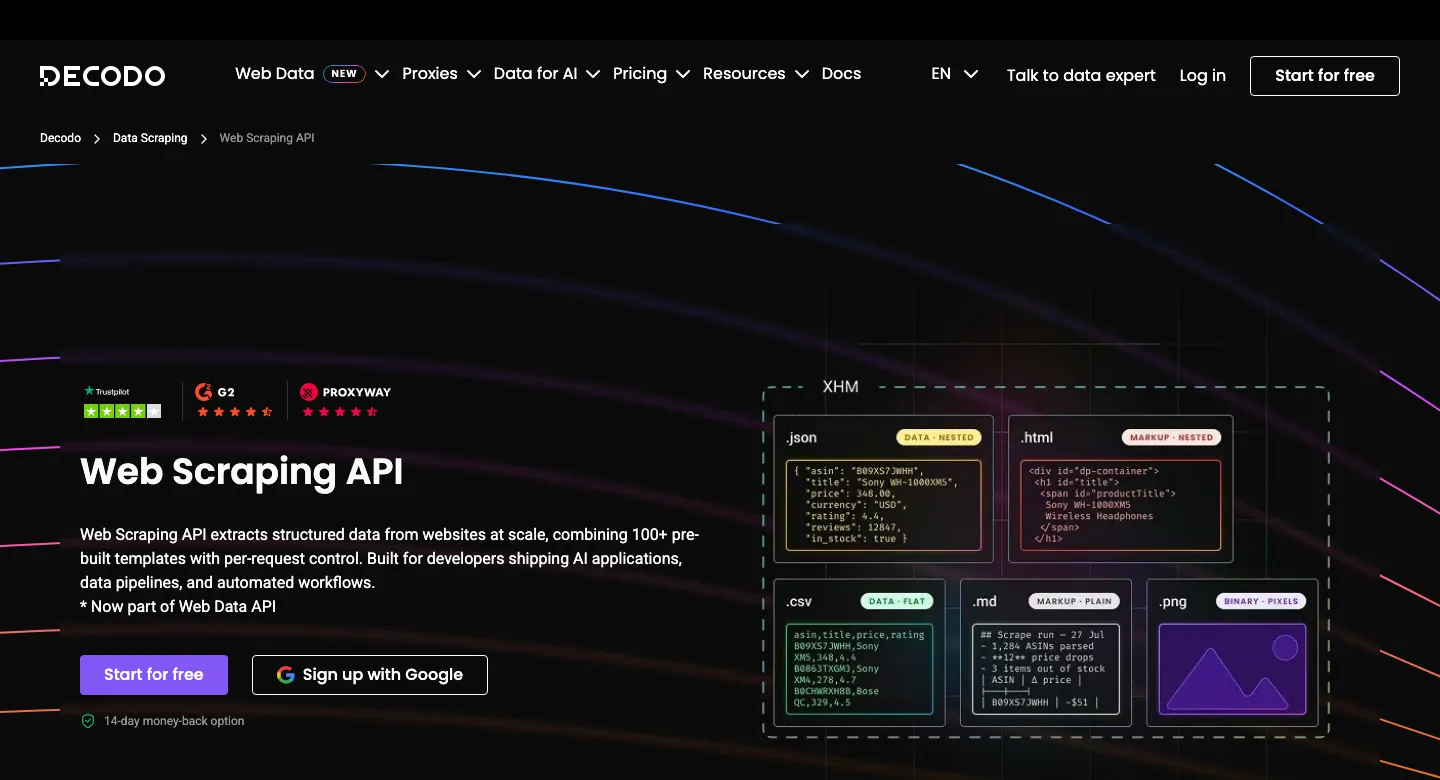
Decodo, the company formerly called Smartproxy (rebranded in April 2025), now sells a unified Web Data API with /scrape, /map, /crawl and /search under one key. It has 100+ ready-made templates for sites like Amazon, Google, Walmart, TikTok and YouTube, and outputs HTML, JSON, CSV, Markdown or a screenshot. It runs on a 125M+ IP pool spanning residential, mobile, datacenter and ISP proxies. Crawl jobs can cover up to 10,000 pages.
Best for: budget-conscious teams that want a real free plan, high requests-per-second on cheap plans, and LLM-ready Markdown.
Pricing: a free plan with 5,000 crawls or 10,000 pages a month, then plans from $19 a month (19,000 crawls or 38,000 pages) up to $1,499. That is roughly $0.50 per 1,000 pages at entry. Only successful requests are billed, and there is a 14-day money-back guarantee.
Strengths:
- Ongoing free plan and high rate limits (10 to 200 requests per second).
- Many ready-made templates plus crawl and map endpoints under one key.
- MCP server, TypeScript SDK and LangChain and n8n integrations.
Watch out for:
- The pricing page measures usage in "crawls or pages" and does not spell out what JS rendering or premium proxies add.
- Older reviews quote "Core" and "Advanced" plans that no longer appear on the live pricing page.
7. ZenRows Fetch
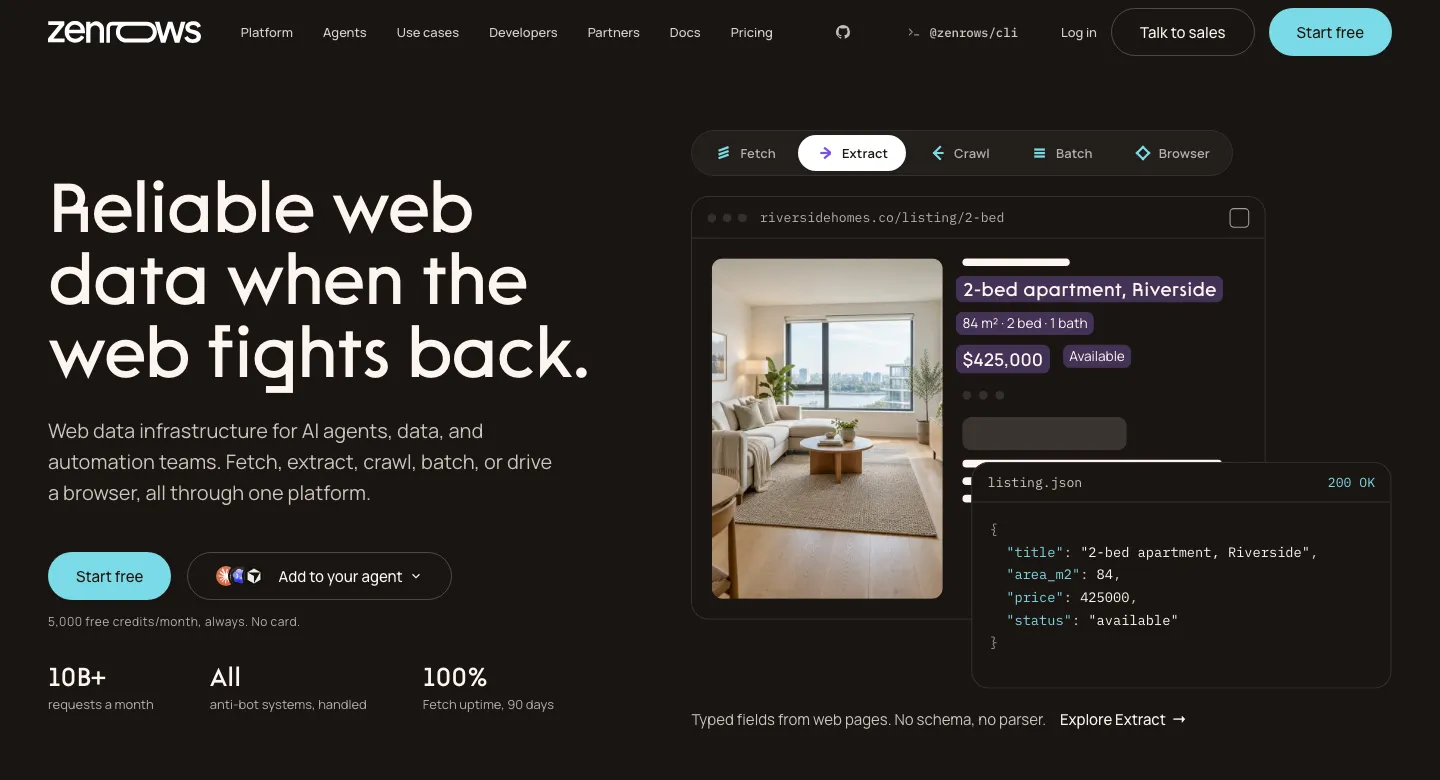
ZenRows renamed its Universal Scraper API to Fetch. It is one REST call that returns HTML, Markdown, plain text or PDF, with anti-bot bypass, JS rendering, browser instructions, screenshots and selector-free structured extraction. Its mode=auto setting picks the cheapest combination of rendering and residential proxies that works, and charges only for that. ZenRows also offers Batch and Crawl jobs with signed webhooks, scraper APIs for Amazon, Walmart, Google and Zillow, and an MCP server.
Best for: developers who mostly hit protected sites and want the API to work out the cheapest settings that succeed.
Pricing: a free plan with 5,000 credits a month (5 concurrent requests). Paid plans start at $19 a month for 45,000 credits (20 concurrent) and scale past $2,999. Multipliers are 5× for JS rendering, 10× for premium residential proxies and 25× for both. On the $19 plan that is about $0.42 per 1,000 plain requests, $2.11 rendered and $10.56 for rendered requests through residential proxies.
Strengths:
- Auto mode removes most of the trial and error of choosing settings.
- Failed requests are never charged, and top-up credits roll over once.
- Sticky sessions (up to 10 minutes), XHR capture and Markdown or PDF output.
Watch out for:
- The 25× multiplier on protected sites shrinks a plan's headline volume fast.
- There is no true pay-as-you-go, geotargeting requires premium proxies, and requests can take up to 3 minutes.
8. Scrapfly
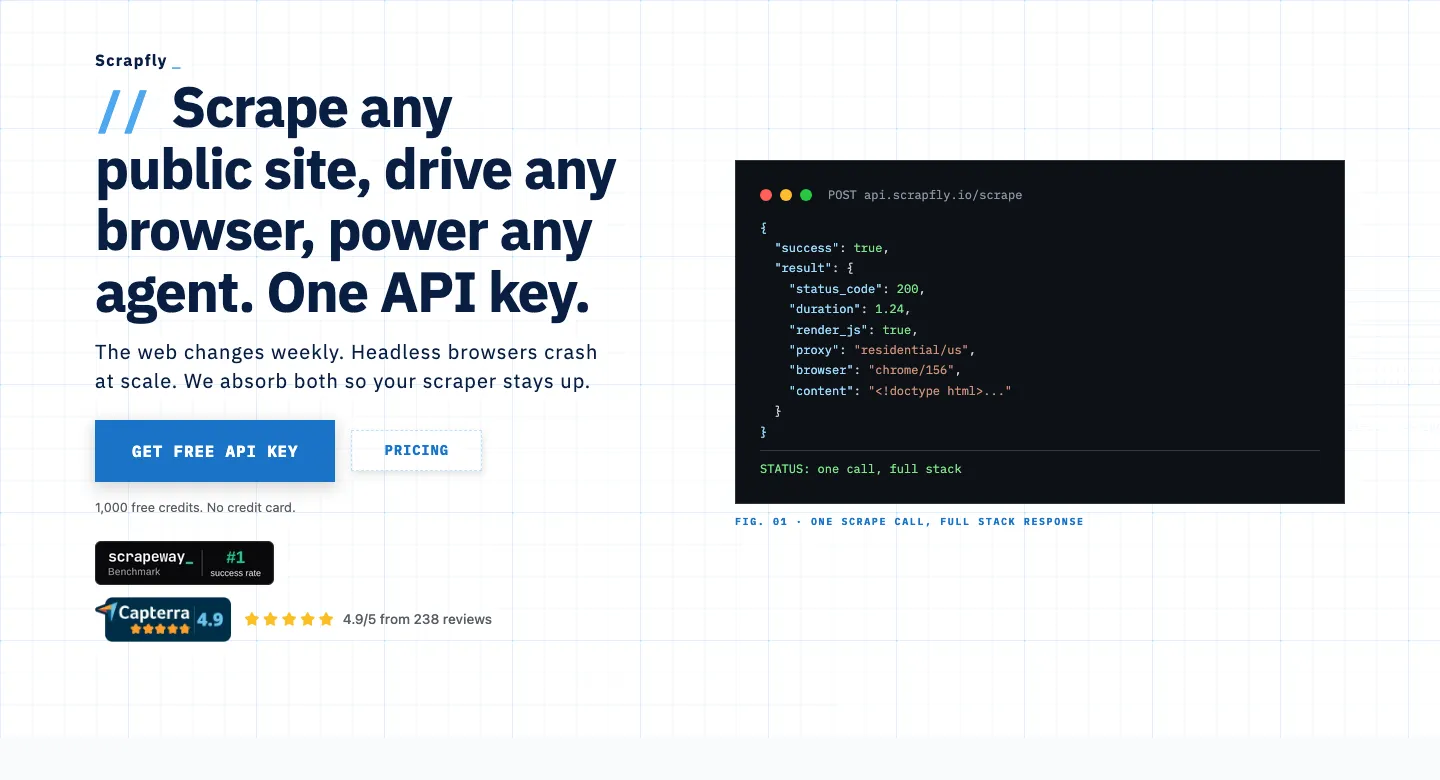
Scrapfly combines a scraping API with an Unblocker for anti-bot protection, headless rendering with scripted scenarios, datacenter or residential proxies with flexible country rules, sessions, caching and webhooks. Its scraping, screenshot, extraction, crawler and cloud-browser products share one credit balance. It has unusually strong cost controls: a per-request cost_budget and visible cost breakdowns. SDKs cover Python, TypeScript, Go and Rust, plus a Scrapy extension.
Best for: engineers who want precise control over what each request costs and many output formats (clean HTML, JSON, Markdown, text).
Pricing: a one-time 1,000 free credits, then $30 a month for 200,000 credits (Discovery), $100 for 1M and up. A datacenter request costs 1 credit, a residential one 25, and JS rendering adds 5. That is about $0.15 per 1,000 plain requests and $0.90 rendered on Discovery, or $4.50 for residential plus rendering. Unblocker cost varies by site.
Strengths:
- Cost budgets per request stop surprises on expensive targets.
- "Scrape Failed Protection" means failed scrapes are not billed.
- Hosted and local MCP servers and extraction by template, prompt or AI model.
Watch out for:
- Unblocker pricing is dynamic, and residential proxies cost 25×, more than most rivals.
- Failed-scrape protection switches off if 30% or more of your requests are blocked without the Unblocker, and the entry plan has only 5 concurrent requests.
9. Apify
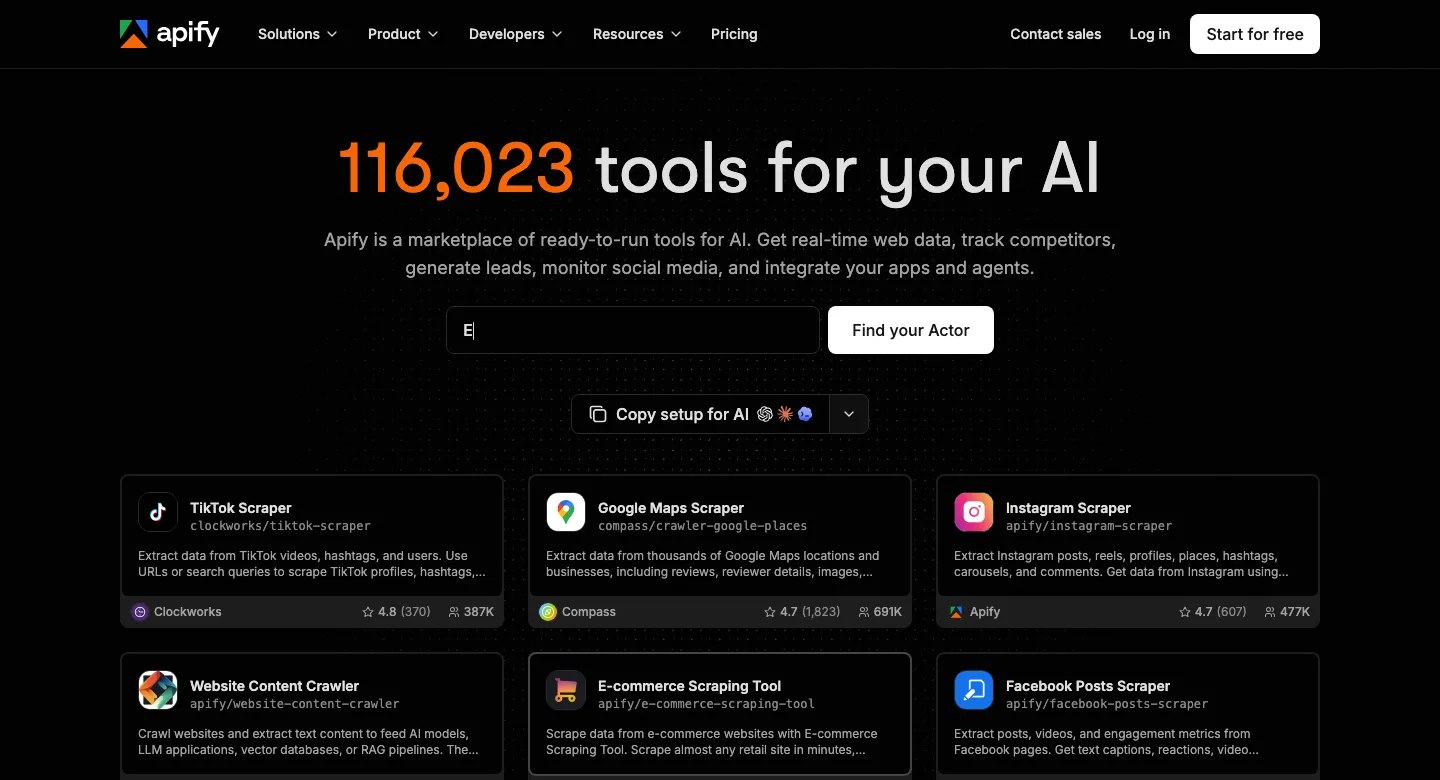
Apify is a platform rather than a single fetch-a-URL endpoint. Its store has more than 116,000 ready-made scrapers called Actors, for social networks, maps, e-commerce and more. You call any of them over a REST API, schedule them and collect results from built-in storage. You can also host your own crawlers built with Crawlee, its open-source library. Its Website Content Crawler is a popular choice for feeding RAG pipelines, with direct integrations for LangChain, LlamaIndex, Pinecone and Qdrant.
Best for: teams that need ready-made scrapers for specific platforms, scheduling and storage, or a managed home for their own crawlers.
Pricing: a free plan with $5 of monthly usage. Paid plans are $19 (Starter), $199 (Scale) and $999 (Business) a month, each including the same amount of usage. Compute costs $0.13 to $0.20 per compute unit (1 GB of RAM for an hour), and residential proxies cost $7 to $8 per GB. Many Actors are priced per result instead; for example, one popular Instagram scraper charges $2.30 per 1,000 results.
Strengths:
- The largest catalogue of ready-made scrapers anywhere.
- Open-source Crawlee lets you move crawlers between Apify and your own infrastructure.
- Official open-source MCP server that exposes Store Actors as agent tools.
Watch out for:
- Cost depends on each Actor's memory and runtime, so it is hard to predict, and pay-per-usage Actors bill compute even when a run fails.
- Quality varies across community-built Actors, and their per-result prices can change.
10. Firecrawl
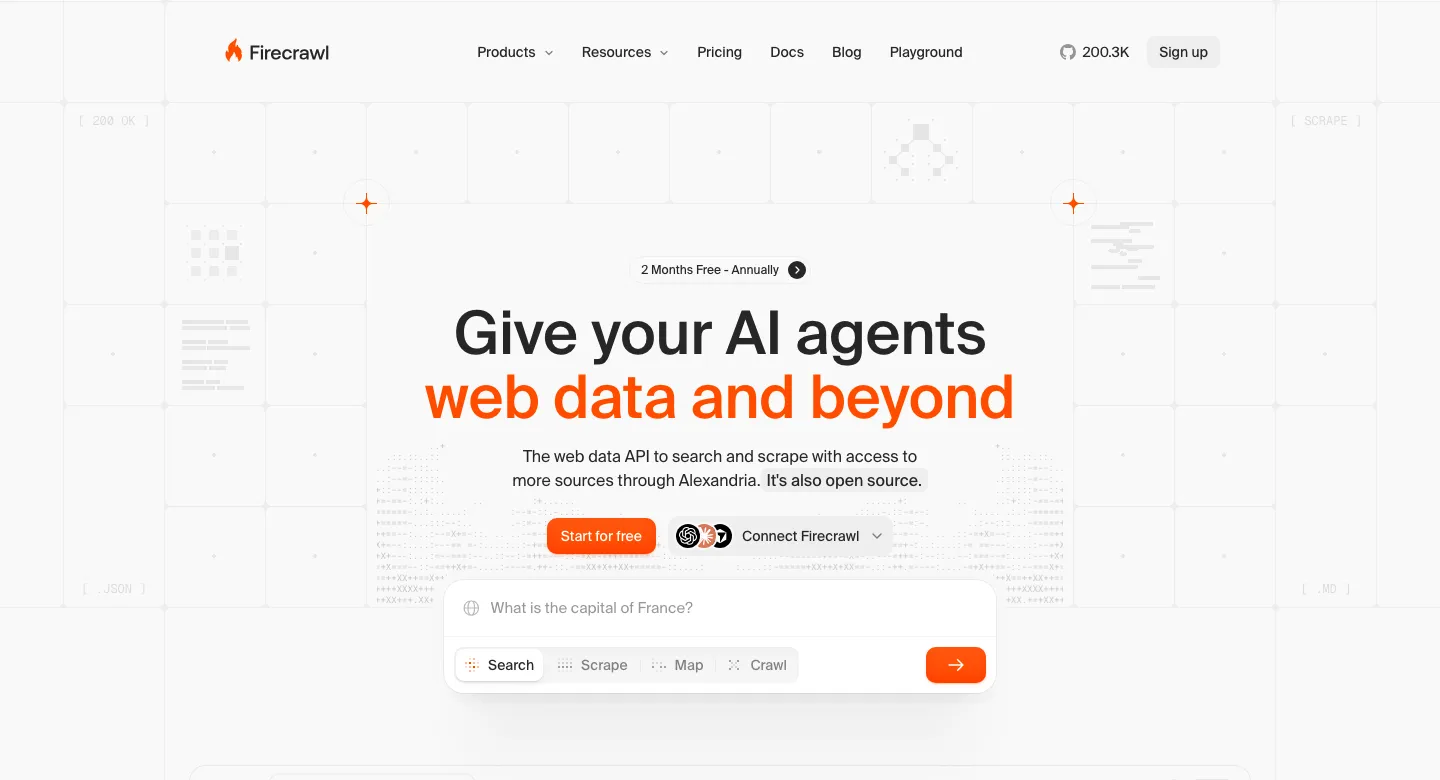
Firecrawl is built for LLM applications. Its /scrape, /crawl, /map and /search endpoints return clean Markdown, HTML, screenshots, links or schema-based JSON. An /interact endpoint drives browser actions from prompts or code. JS rendering is included on every request, and its core is open source under AGPL-3.0, so you can self-host it. Firecrawl raised a $14.5M Series A in August 2025.
Best for: AI and RAG teams turning ordinary websites and documentation into clean Markdown, and anyone who wants an open-source option.
Pricing: a free plan with 1,000 credits a month, then $19 (5,000 credits), $99 (100,000), $399 (500,000) and $749 (1M) a month. A page costs 1 credit, with no rendering multiplier; JSON extraction adds 4. That is about $3.80 per 1,000 pages on Hobby but $0.99 on Standard and roughly $0.75 on Scale.
Strengths:
- The best Markdown output for LLM ingestion in this group, with crawling, mapping and search in one API.
- Enhanced proxies cost the same 1 credit as basic ones.
- Open-source core and an official MCP server.
Watch out for:
- The entry plan is expensive per page, and enhanced proxies only exit from the US and the Netherlands.
- It is built for content extraction, not heavily protected e-commerce or social targets. Results are cached for 2 days by default unless you set
maxAge: 0.
11. Crawlbase Crawling API
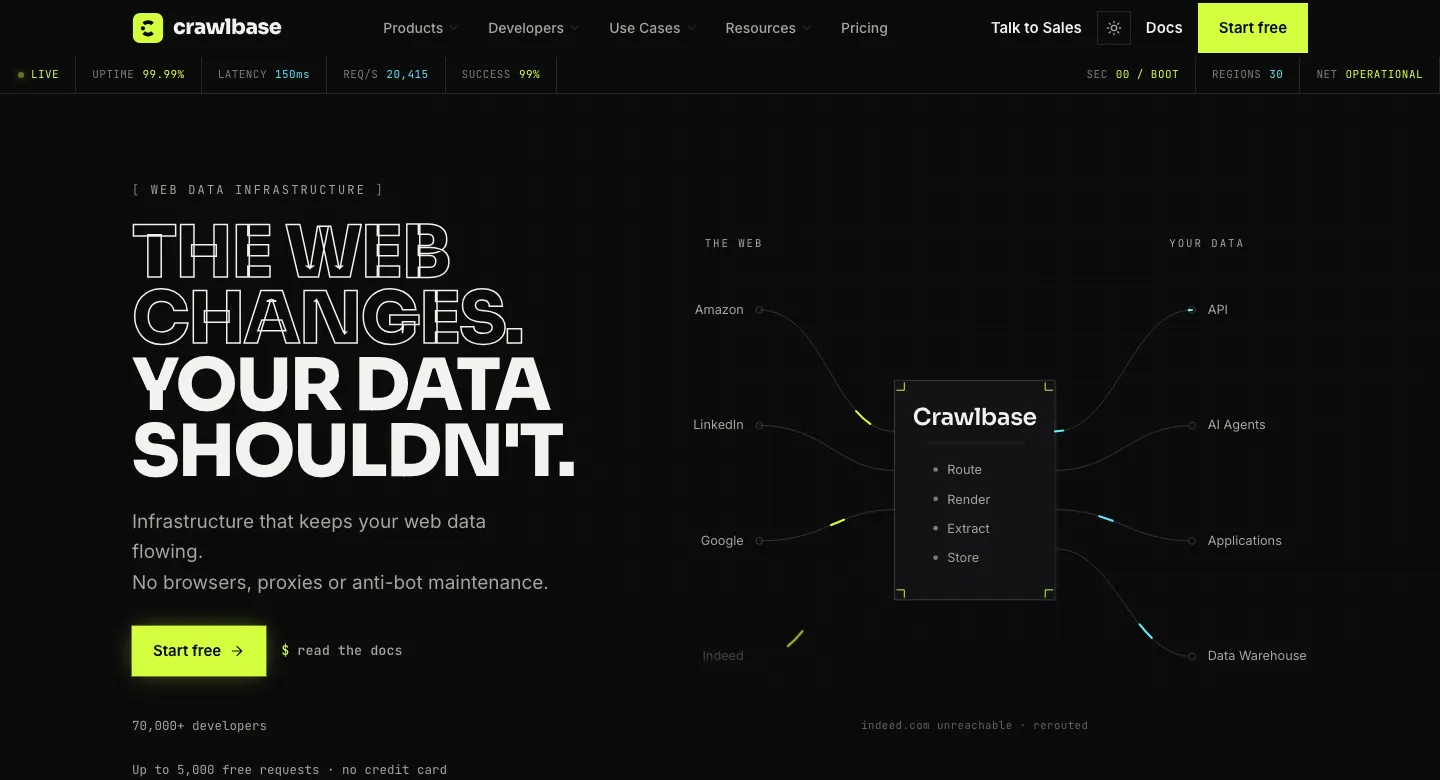
Crawlbase, formerly ProxyCrawl, offers a Crawling API with two tokens: a normal one and a JavaScript one that uses a real browser. It adds pre-built parsers for e-commerce, search, social, reviews, travel and real estate pages, Markdown output, screenshots, async crawling with webhooks and optional cloud storage. It has SDKs in seven languages and an open-source MCP server.
Best for: steady, high-volume crawling where volume discounts matter, and teams that want parsed output for common sites without writing parsers.
Pricing: 1,000 free credits, rising to 5,000 after setup. Pay-as-you-go is graduated: $3.00 for the first 1,000 requests, $2.00 for the next 10,000, then $0.60, $0.50, and down to $0.02 at billion-request scale. Optional monthly blocks start at $99 for 200,000 credits, about $0.50 per 1,000. JS rendering doubles the cost, and harder sites carry multipliers from 1.5× up to 20×.
Strengths:
- Only successful requests are billed, with no monthly fee required.
- Very low marginal cost at high volume.
- Broad SDK coverage (Python, Node, Ruby, PHP, Go, Java, .NET).
Watch out for:
- Small volumes are expensive, and difficulty multipliers on the hardest sites can reach 40× with rendering.
- Geotargeting covers only 22 countries, and the default limit is 20 concurrent requests per token.
12. Scrape.do
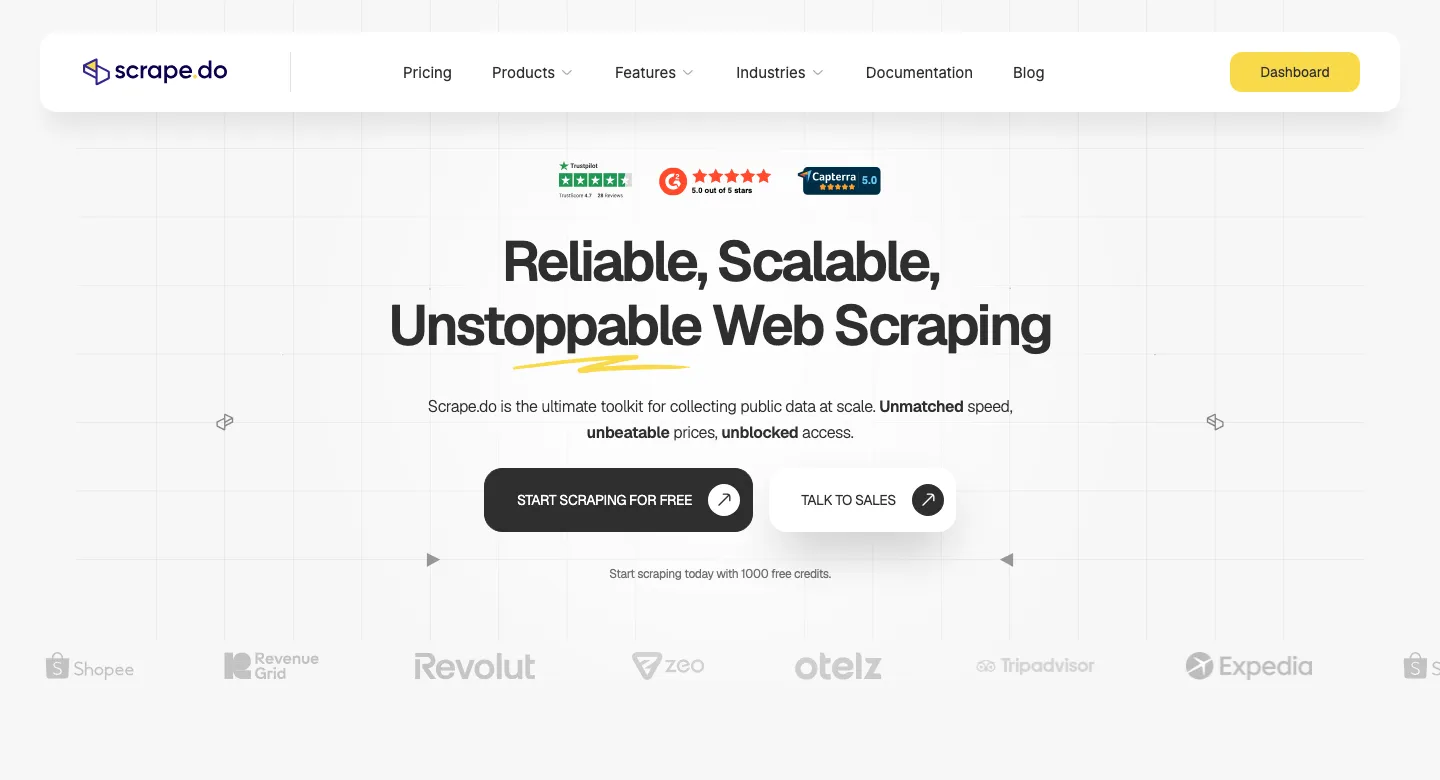
Scrape.do is a lean scraping API and proxy gateway over a rotating datacenter, residential and mobile pool, which it puts at 150M+ IPs. It offers headless rendering with browser interactions, sticky sessions, country and continent targeting on every plan (including free), Markdown output, screenshots, network capture and an async API with webhooks. It also has dedicated scraper APIs for Amazon, Google, Walmart, YouTube and others.
Best for: price-sensitive teams running high volume who want the lowest cost per request and success-only billing.
Pricing: 1,000 free credits, then $29 a month for 250,000 credits (Hobby), $99 for 1.25M and up to $699 for 10M. Credits per request: 1 datacenter, 5 with rendering, 10 residential, 25 residential with rendering. Some domains carry fixed higher costs, such as Google (10) and LinkedIn (30). That is about $0.12 per 1,000 plain requests and $0.58 rendered on Hobby.
Strengths:
- The lowest entry cost per plain and rendered request among the APIs here.
- A response header shows exactly what each request cost.
- Geotargeting included on every plan.
Watch out for:
- Per-domain pricing can raise costs on popular targets without any change to your code.
- Hobby allows only 10 concurrent requests, there is no pay-as-you-go, and there is no official MCP server.
How to choose a web scraping API
Run through these questions before you compare price tables:
- How hard are your target sites? Test your actual URLs on two or three free plans. Success rate on your targets matters more than any benchmark. Sites behind Cloudflare, DataDome, Akamai or PerimeterX will push you into rendering and residential proxies, and the price multipliers start to dominate.
- Do you need JavaScript rendering? If the data is in the initial HTML, turn rendering off; it is the single biggest cost lever. On ScrapingBee it is on by default, so switching it off for static pages cuts cost by 80%.
- What output do you need? For analytics and price monitoring, structured JSON from site templates saves parser maintenance. For LLMs and RAG, Markdown output and crawl endpoints matter more. Firecrawl, Apify and Decodo are strongest there.
- How much volume, and how steady? Monthly credit plans suit steady workloads. Spiky work suits pay-as-you-go (Bright Data, Zyte, Crawlbase). Check whether unused credits roll over: on most plans they do not.
- Which countries? Some APIs restrict country targeting to higher plans (ScraperAPI) or to premium proxies (ZenRows). Others cover only a few countries for certain proxy types (Firecrawl, Crawlbase).
- What counts as "success"? Read the billing docs. Many APIs bill 404 and 410 responses. Scrapfly can withdraw failed-scrape protection if your block rate is high.
- Do your agents need it? If AI agents will call the scraper directly, an official MCP server saves integration work. We cover this pattern in our AI agent development work.
What web scraping really costs: a worked example
Say you need 10,000 product pages a month from a retailer that requires JavaScript rendering and residential proxies:
- Credit-based APIs with a 25× multiplier (ZenRows, ScrapingBee, Scrape.do): 10,000 × 25 = 250,000 credits. That is Scrape.do's entire $29 Hobby plan or about three times ScrapingBee's $19 Hobby allowance.
- Scrapfly at 30 credits per residential rendered request: 300,000 credits, more than its $30 Discovery plan includes, before any Unblocker charges.
- Flat-rate APIs: Bright Data at $1.50 per 1,000 is $15 on pay-as-you-go, with rendering and unblocking included.
The cheapest API on a price table is often not the cheapest for protected targets. Run a cost test with your own URLs for a day before choosing a plan, and budget for retries on difficult sites.
Scraping API vs building your own scraper
A scraping API is the right default when you need data from many sites, when targets use serious bot protection, or when your team does not want to maintain proxy pools and browser fleets. Building in-house with Scrapy, Playwright and a proxy provider makes sense at very high and steady volume, for internal or partner sites, or when you need full control over data handling. Our guide to scalable scraping pipelines with Python and Scrapy shows what the in-house route involves, and handling CAPTCHAs in web scraping covers the hardest part of it.
Most production systems we build end up hybrid. An API handles the hard targets, a cheap in-house crawler handles the easy ones, and a pipeline cleans the data and loads it into a database, an internal API or a search index. If you want that built and maintained for you, our web scraping team designs it end to end, and our Python developers can extend an existing setup. For broader tool options, including no-code scrapers and open-source libraries, see our list of the best data scraping tools.
Using scraping APIs for AI and RAG
Scraping is now one of the main ways companies feed internal knowledge bases and AI assistants. For retrieval-augmented generation (RAG), you want clean Markdown with boilerplate removed, stable URLs for citations, and incremental crawls so you only re-process changed pages. Firecrawl and Apify's Website Content Crawler are designed for this, and most other APIs here now return Markdown too. The scraping step is the easy part. Chunking, metadata, freshness and access control decide whether the assistant gives correct answers. Our enterprise RAG architecture guide walks through the full pipeline, and our RAG development services team builds it.
Is web scraping legal?
Scraping publicly available data is generally lawful in the US, but how you access the data and what you do with it both matter. This is not legal advice. Three reference points:
- Public data and US computer-misuse law: in hiQ Labs v. LinkedIn, the Ninth Circuit held in 2022 that scraping public pages likely does not violate the CFAA. However, the district court later found LinkedIn's user agreement enforceable against hiQ, and the case ended in a $500,000 consent judgment. Logging in and accepting terms creates contract risk.
- Logged-off scraping: in January 2024, a federal court ruled in Meta v. Bright Data that Meta's terms did not prohibit scraping public data while logged out, and Meta later dropped its remaining claims.
- EU text and data mining: under the EU copyright directive, rights holders can opt out of commercial text and data mining in a machine-readable way, such as robots.txt. Under the EU AI Act, providers of general-purpose AI models must respect those opt-outs.
In practice: stick to public pages, do not scrape personal data without a lawful basis (GDPR and similar laws still apply), respect robots.txt and rate limits, and avoid logging in to collect data. A scraping API handles access, not compliance. That stays your responsibility.
How we evaluated these APIs
We shortlisted APIs that are actively maintained, offer self-serve access with published pricing, and handle rendering and anti-bot protection rather than only proxies. For each one we reviewed the live pricing page, billing and credit documentation, and product docs on 10 November 2026. We recorded entry prices, credit multipliers, concurrency, output formats, success-billing rules and AI integrations, and calculated comparable costs per 1,000 requests. Where a vendor's own pages contradict each other, we say so above. We did not run a paid benchmark across all twelve APIs. Success rates depend heavily on your targets, so we recommend testing your own URLs on free plans.
Editorial independence: no vendor paid to be included or positioned in this article, and it contains no affiliate links. We link to our own related guides and services. If we ever publish sponsored placements, they will be clearly labelled as sponsored.
FAQ
What is the best web scraping API in 2026?
There is no single best one. For enterprise scale and ready-made scrapers, Bright Data and Oxylabs lead. For value across mixed sites, Zyte API. For simple, inexpensive onboarding, ScrapingBee, ScraperAPI or Scrape.do. For heavily protected sites, ZenRows or Scrapfly. For AI and RAG pipelines, Firecrawl or Apify. Test two or three on your own target URLs before you commit.
What is the cheapest web scraping API?
For plain requests at entry level, Scrape.do (about $0.12 per 1,000 on its $29 plan) and Zyte API (from $0.13 per 1,000 on simple sites, pay-as-you-go) are the cheapest. Scrapfly ($0.15) and ScrapingBee ($0.25) follow. For protected sites needing rendering and residential proxies, credit multipliers change the ranking, and flat-rate options like Bright Data ($1.50 per 1,000 with rendering included) can be cheaper.
Is there a free web scraping API?
Yes. Several offer ongoing free plans: Decodo (10,000 pages a month), ZenRows (5,000 credits a month), Bright Data (5,000 requests a month), Firecrawl and ScraperAPI (1,000 credits a month) and Apify ($5 of monthly usage). Others offer one-time trial credits. Free plans are fine for prototypes but have low concurrency limits.
What is the difference between a scraping API and a proxy?
A proxy only routes your request through a different IP address. A scraping API also manages proxy rotation, browser fingerprints, JavaScript rendering, CAPTCHA and anti-bot challenges, retries and often parsing. With a proxy you build and maintain the scraper; with a scraping API you send a URL and get data back.
Do web scraping APIs charge for failed requests?
Most do not. Bright Data, Zyte, ScraperAPI, ScrapingBee, Decodo, ZenRows, Scrapfly, Crawlbase and Scrape.do all bill only for successful responses. However, many count 404 and 410 responses as successful. Scrapfly can switch off its protection if your block rate is high. Apify's pay-per-usage Actors bill compute whether or not a run succeeds.
Which web scraping API is best for LLMs and RAG?
Firecrawl is built specifically for LLM ingestion, with clean Markdown, crawl and map endpoints and an open-source core. Apify's Website Content Crawler integrates directly with LangChain, LlamaIndex and vector databases. ZenRows, ScrapingBee, Decodo, Scrapfly, Crawlbase and Scrape.do also return Markdown, and most offer MCP servers so AI agents can call them directly.
Can I use a web scraping API with Python?
Yes. Every API in this list works over plain HTTP, so Python's requests or httpx libraries are enough. Most also publish Python SDKs or code samples. Zyte and Scrapfly have Scrapy integrations, and Apify's open-source Crawlee library has a Python version.
Sources
- Vendor pricing pages and documentation for all 12 APIs, reviewed 10 November 2026 (not linked, to keep this comparison neutral).
- Imperva, 2026 Bad Bot Report, April 2026.
- Cloudflare, "The crawl-to-click gap", August 2025.
- Proskauer, hiQ and LinkedIn settlement, December 2022.
- Farella Braun + Martel, Meta Platforms v. Bright Data, January 2024.
Need data from sites that block ordinary scrapers, or a pipeline that keeps running when sites change? Our web scraping services team builds and maintains production scrapers, picks the right API mix for your targets, and delivers clean data to your database or an API your apps can use.
Keep reading
Learn effective CAPTCHA bypassing techniques, tools, and strategies for web scraping while minimizing detection and improving success rates.
Learn how to build a scalable web scraping pipeline using Python & Scrapy to extract data efficiently. Optimize performance & avoid IP bans!
Compare Selenium, Puppeteer, and Playwright web scraping tools for browser support, performance, scalability, use cases, anti-bot measures, and more.