

Webpages are no longer static content surfaces — they are live interfaces to business logic, pricing engines, compliance disclosures, feature flags, experiments, and security-sensitive code paths.
A single unnoticed change in markup, metadata, JavaScript, or rendered content can cascade into SEO losses, revenue leakage, legal exposure, or silent security compromise.
For developers, growth engineers, SEO leads, and compliance teams, the real challenge is not detecting change—it’s detecting the right change, at the right layer, at the right time, and routing that signal into an actionable workflow.
This is where modern Website Change Monitoring Tools have evolved far beyond simple “diff checkers.”
Today’s platforms operate closer to observability infrastructure—continuously rendering pages, executing JavaScript, traversing the DOM, tracking network activity, and archiving historical states with forensic precision.
In this guide, we treat website change monitoring as a technical discipline, not a convenience feature.
Over the next sections, we break down:
- Why change monitoring is now foundational to competitive and technical operations
- How different detection layers (visual, content, DOM, network) work under the hood
- Which tools best align with engineering-heavy, compliance-driven, and scale-focused use cases
If you manage production websites, marketplaces, SEO at scale, regulated content, or competitive intelligence pipelines, this guide is written for you.
Table of Contents
Why Website Change Monitoring Is No Longer Optional (For Serious Teams)
For power users, website monitoring is not about “alerts.” It is about early signal detection in systems you don’t control.
1. Competitive Intelligence at the System Level
Modern competitors don’t just change prices—they roll out:
- Feature flags
- A/B-tested landing pages
- Conditional pricing by geography or user agent
- Hidden promo logic triggered at specific times
High-frequency monitoring combined with DOM-level and content-diff analysis allows teams to reverse-engineer competitive moves as they happen, not after dashboards update or sales dip. For growth teams, this becomes a real-time feedback loop, not retrospective analysis.
2. SEO Stability & Technical Regression Detection
From an engineering standpoint, SEO failures rarely come from “big changes.”
They come from:
- A misplaced noindex
- Canonical tag drift
- Template refactors breaking internal linking
- JavaScript hydration changes altering rendered content
Search engines react faster than humans. Change monitoring at the HTML, metadata, and rendered DOM level functions like a safety net—catching silent regressions before crawl budgets, rankings, or revenue are impacted.
3. Compliance, Auditability & Legal Defensibility
In regulated environments, when and how something changed matters as much as what changed. Legal and compliance teams increasingly require:
- Time-stamped archives
- Side-by-side diffs
- Verifiable historical snapshots
- Evidence trails that hold up in audits or disputes
Enterprise-grade monitoring tools now act as immutable external logs for third-party websites, government portals, and vendor disclosures—something internal logging can never provide.
4. Security & Integrity Monitoring Beyond Uptime
Uptime monitoring answers “Is the site up?”
Change monitoring answers “Is the site still what we think it is?”
This is critical for detecting:
- Soft defacements
- Unauthorized script injection
- Tracking pixel swaps
- Malicious outbound link changes
- Magecart-style skimming attacks
By monitoring DOM mutations, network requests, and script changes, teams gain visibility into threats that traditional security tools often miss—especially on CMS-driven or marketing-heavy pages.
5. Monitoring as a Data Source, Not Just an Alert
For advanced teams, monitoring outputs are rarely endpoints. They are inputs into larger systems:
- Slack → Jira → Deployment rollback
- Webhook → n8n → CRM / pricing engine
- Alert → SIEM → investigation workflow
The best monitoring setups behave less like notifications and more like event streams, feeding downstream automation and decision systems.
Understanding the Different Layers of Website Change Monitoring
Website change monitoring is not a single technique—it is a stack of detection layers, each observing a different abstraction of how a webpage is delivered and experienced.
Choosing the right layer (or combination of layers) is the difference between actionable signal and useless noise.
1. Visual (Rendered-State) Monitoring
Visual monitoring operates at the final rendered output—what a real user sees after HTML, CSS, JavaScript, fonts, and third-party scripts have executed.
Technically, these tools:
- Render the page in a headless browser
- Capture screenshots after JavaScript execution
- Compare pixel-level or region-level diffs over time
Best suited for:
- Layout regressions
- Banner and hero section changes
- UI experiments and A/B test detection
- Visual defacement or brand misuse
- Compliance text that is visually altered but structurally unchanged
Limitations:
Visual diffs are inherently noisy on highly dynamic pages unless paired with intelligent exclusion rules or AI-based change classification.
2. Content / Text-Level Monitoring
Content monitoring strips away presentation and focuses on semantic text changes—the actual words and numbers that matter.
Under the hood, these tools:
- Extract visible text from the rendered DOM or raw HTML
- Normalize whitespace, formatting, and layout noise
- Diff text blocks or specific selectors over time
Best suited for:
- Pricing changes
- Feature list updates
- Policy, legal, and regulatory text
- Product descriptions and availability
- Press releases, tenders, and job postings
Why power users prefer this layer:
It provides high signal-to-noise ratio, especially when combined with keyword-based or threshold-based triggers (e.g., “alert only if price drops >5%”).
3. Code, DOM & Structural Monitoring (Under-the-Hood)
This is the most technical—and most powerful—form of monitoring.
Instead of asking “what changed?”, it asks “what structurally broke or mutated?”
These tools monitor:
- HTML structure (DOM nodes, attributes)
- Metadata (canonical tags, schema, meta robots)
- JavaScript and inline scripts
- Network calls, cookies, and injected resources (in advanced tools)
Best suited for:
- SEO integrity (canonical, hreflang, structured data)
- Security monitoring (script injection, Magecart attacks)
- CMS or deployment regressions
- Compliance audits requiring exact diffs
- Detecting stealth changes invisible to visual tools
For engineering and SEO teams, this layer functions as production observability for the open web.
Key Takeaway
Most serious use cases require multiple layers simultaneously:
- Visual → to catch UX or brand-impacting changes
- Content → to track business-critical data
- DOM/Code → to detect technical and security regressions
Best-in-class tools allow you to mix these layers intelligently, rather than forcing a one-size-fits-all approach.
What Defines a Best-in-Class Website Monitoring Platform?
Not all monitoring tools scale beyond hobby use. For professional teams, the difference lies in architecture, precision, and extensibility, not UI polish.
Here are the non-negotiable criteria we used when evaluating top platforms:
1. High-Frequency, Reliable Execution
In competitive or security-sensitive environments, timing is everything.
A serious platform must support:
- Sub-hour checks (5–15 minutes minimum)
- Predictable execution windows
- Stable rendering even on JavaScript-heavy sites
If a tool can’t run reliably at high frequency, it’s unsuitable for real-time decision-making.
2. Intelligent Noise Suppression
The modern web is intentionally dynamic:
- Timestamps
- Session IDs
- Rotating banners
- Personalization tokens
Without advanced filtering, monitoring quickly becomes unusable.
Best tools offer:
- Element-level exclusions
- Regex and selector-based ignore rules
- AI-assisted “meaningful change” detection
- Threshold-based alerts (e.g., notify only if value crosses X)
Alert fatigue is not a UX problem—it’s a data quality problem.
3. Multi-Channel & Machine-Friendly Outputs
Email alone is insufficient for modern workflows.
A production-grade tool must integrate with:
- Slack / Microsoft Teams / Discord
- Webhooks (for Zapier, Make, n8n)
- APIs for downstream systems
- Optional SMS or push notifications for critical events
The goal is automation-first, not inbox-first.
4. Bot Evasion & Real-World Rendering
Most high-value websites actively resist automation.
Top-tier tools invest heavily in:
- Headless browser execution (not raw HTTP fetches)
- Residential and rotating proxies
- JavaScript execution and delayed rendering
- CAPTCHA and bot-detection avoidance strategies
If a tool cannot see what a real user sees, its data is incomplete by definition.
5. Historical Integrity & Auditability
For compliance, security, and enterprise use cases, history matters.
Best-in-class platforms provide:
- Long-term snapshot archives
- Side-by-side diffs
- Timestamped evidence trails
- Exportable records for audits or disputes
Monitoring without history is just a notification system—not a system of record.
1. Visualping
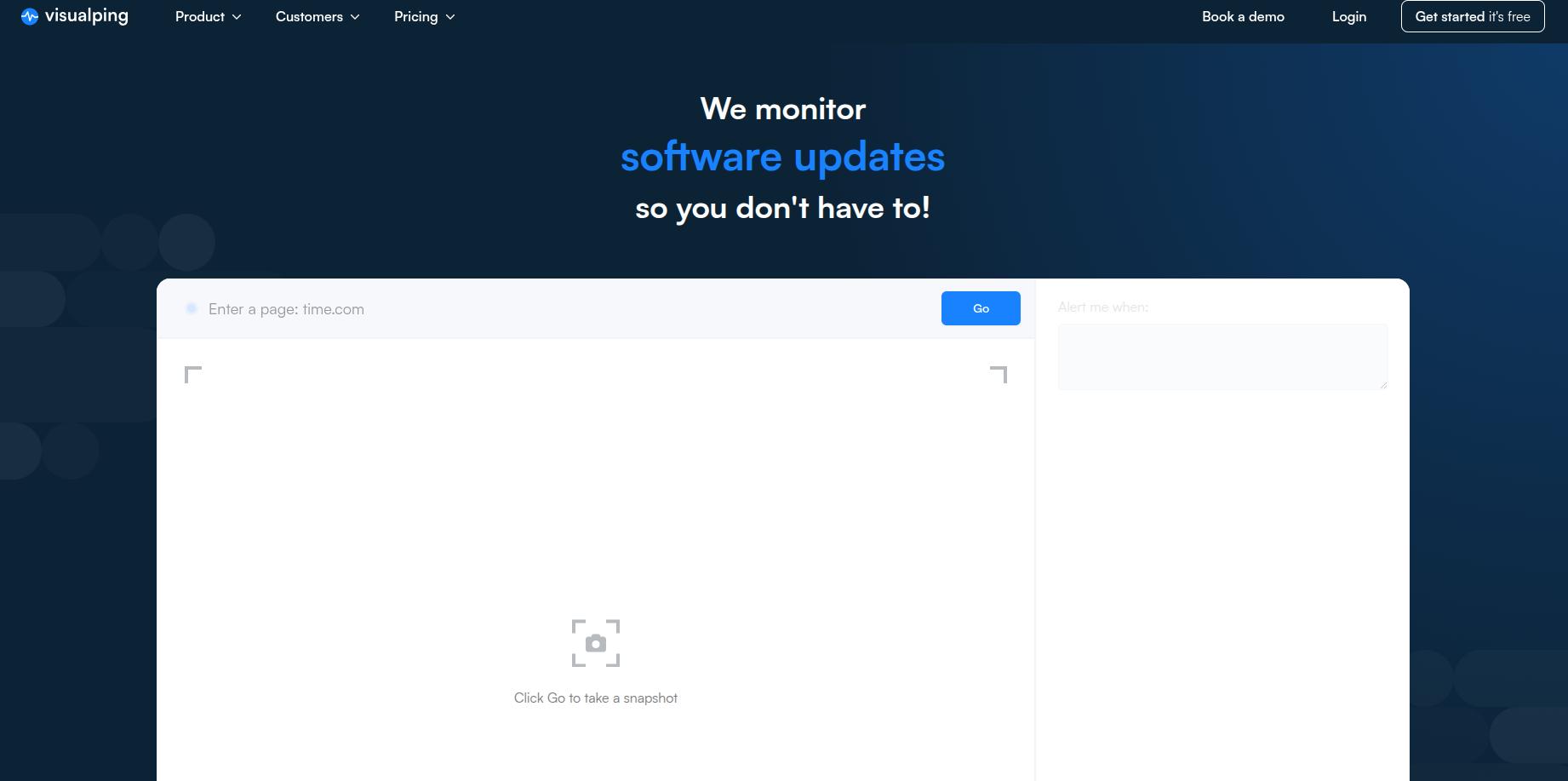
Visualping remains one of the most recognizable names in the space, used by individuals and Fortune 500 companies alike. Its primary strength lies in its simplicity—if you can see it on a screen, Visualping can track it.
Visualping Key Features:
- Visual, Text, and Element Monitoring: You can choose to monitor a specific area of a page (visual), the text content only, or specific HTML elements for a more technical approach.
- AI-Powered Noise Reduction: One of Visualping’s standout features is its AI Intelligence. It can be trained to ignore “meaningless” changes, like moving banners or date stamps, and only alert you when a “meaningful” change (like a price drop) occurs.
- Flexible Frequency: Checks can range from once a week to every 5 minutes (Business plans).
Visualping Pricing Tiers:
| Plan | Price | Monthly Checks | Key Limit |
| Free | $0 | 150 | 5 pages, daily checks |
| Starter | $10/mo | 1,000 | 25 pages, hourly checks |
| Business | $100/mo | 20,000 | 5-minute checks, Slack/Teams integration |
Visualping User Reviews & Insights:
- Pros: Users consistently praise the “set it and forget it” interface. The Chrome extension makes it incredibly easy to start tracking a page without leaving your browser.
- Cons: Some users note that the cost can scale quickly if you need high-frequency checks across hundreds of pages. There are also occasional “false positives” if a site’s CSS layout shifts significantly.
2. Distill.io
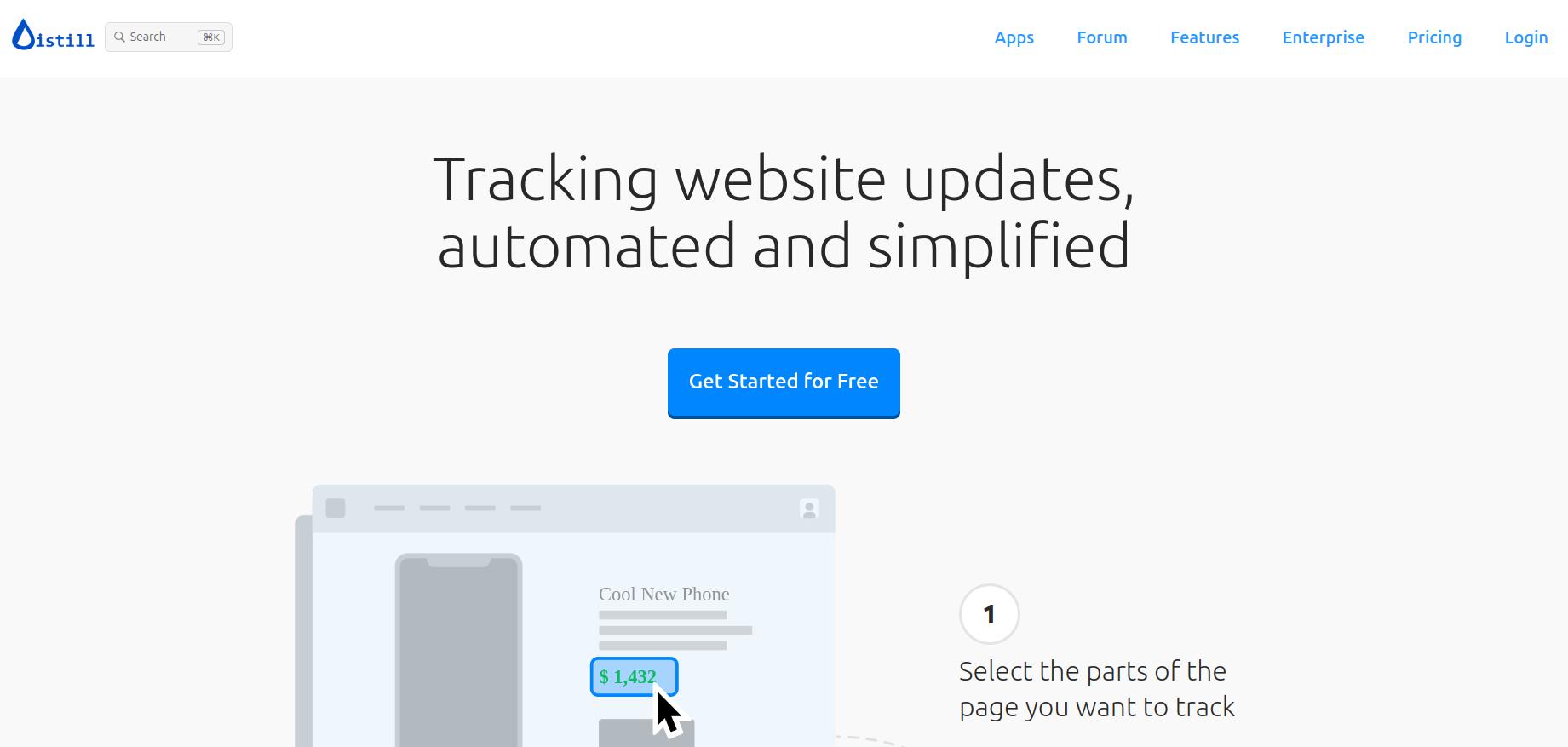
While Visualping wins on simplicity, Distill.io wins on versatility. It is widely considered the most powerful tool for users who need granular control over how a page is monitored.
Distill.io Key Features:
- Local vs. Cloud Monitoring: Unique to Distill, you can run monitors locally on your browser (using your own IP) or in the cloud. Local monitoring is often better for bypassing aggressive bot-detection.
- Macro Recorder: Distill allows you to record “macros”—steps like logging into a site, clicking a specific button, or selecting a filter—before the tool checks for a change. This is essential for monitoring password-protected portals.
- Compound Alerts: You can set complex logic for alerts, such as “Notify me only if the price drops by more than 10% AND the item is in stock.”
Distill.io Pricing Tiers:
| Plan | Price | Features |
| Free | $0 | 25 monitors (5 in cloud), 6-hour interval |
| Individual | $15/mo | 50 monitors, 10-minute frequency, Macros included |
| Flexi | $80/mo | 500+ monitors, 2-minute frequency, API access |
Distill.io User Reviews & Insights:
- Pros: Technical users love the XPATH and CSS selector support, which allows for surgical precision in data tracking. The mobile app (iOS/Android) is highly rated for receiving push notifications on the go.
- Cons: The learning curve is steeper than Visualping. The interface can feel a bit “utilitarian” and overwhelming for non-technical marketers.
3. ChangeTower
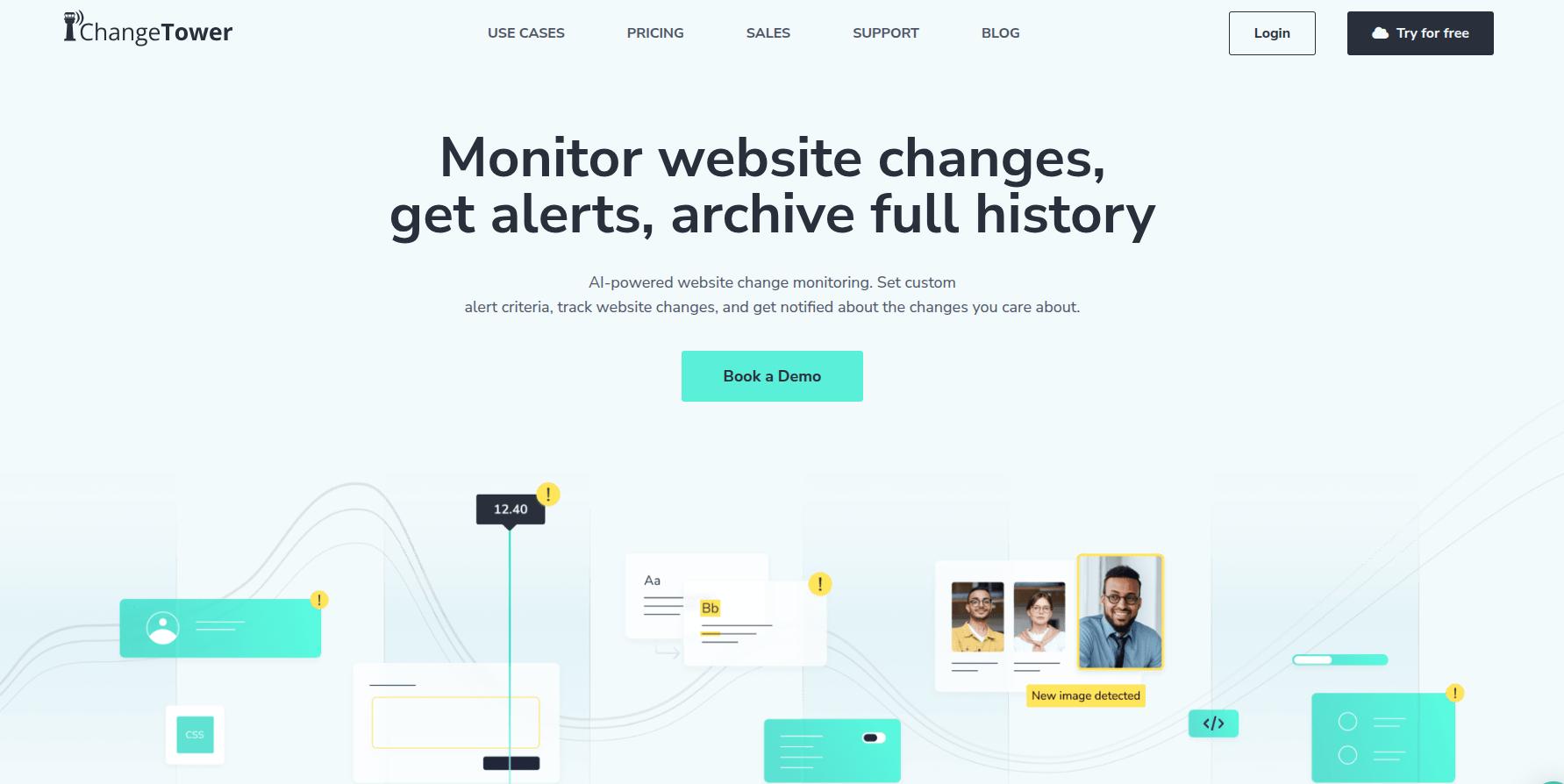
ChangeTower sits comfortably as the hybrid choice, offering a robust cloud-based platform that excels at both real-time monitoring and archiving historical data. It is particularly favored by remote teams and compliance officers who need more than just a simple alert—they need a “legal-grade” audit trail.
ChangeTower Key Features:
- Visual Snapshots & Code Archives: It doesn’t just tell you that something changed; it shows you a “Time Machine” view. You can pull up side-by-side comparisons of exactly how a page looked 6 months ago versus today, with differences highlighted in red and green.
- Multi-Condition Triggers: Beyond simple visual shifts, you can set triggers for keyword additions (e.g., alert me if “sale” appears), keyword removals, or technical changes to the underlying source code (HTML/CSS).
- Team Collaboration: You can designate “Notification-only” users, allowing specific team members to receive alerts for specific monitors without needing full account access—perfect for client management.
- KW Discovery Tool: A standout feature that automatically extracts and examines the content of newly discovered pages on a domain, hunting for specific phrases you’ve flagged.
ChangeTower Pricing Tiers:
| Plan | Price (Monthly) | Monitoring Capacity | Key Features |
| Free | $0 | 3 URLs | 6 checks per day, 1 month data archive. |
| Power User | Starting at $9 | Up to 500 URLs | Customizable frequency, login-protected pages, Zapier integration. |
| Enterprise | Starting at $299 | 2,000+ URLs | 3-minute check intervals, PDF/file monitoring, 12-year history, API access. |
Pro Tip: If you opt for annual billing, ChangeTower typically offers a “2 months free” discount, bringing the Power User entry cost down to effectively $7.50/month.
ChangeTower User Reviews & Insights:
- Pros: Users consistently highlight the visual difference tool as a massive time-saver. Agencies love the ability to track dozens of competitor sites and tailor specific rules for individual clients.
- Cons: While the dashboard is functional, some power users find managing alerts across hundreds of different client folders to be slightly “clunky.” The AI-driven summary features are still considered a “work in progress” compared to competitors like Visualping.
4. Hexowatch
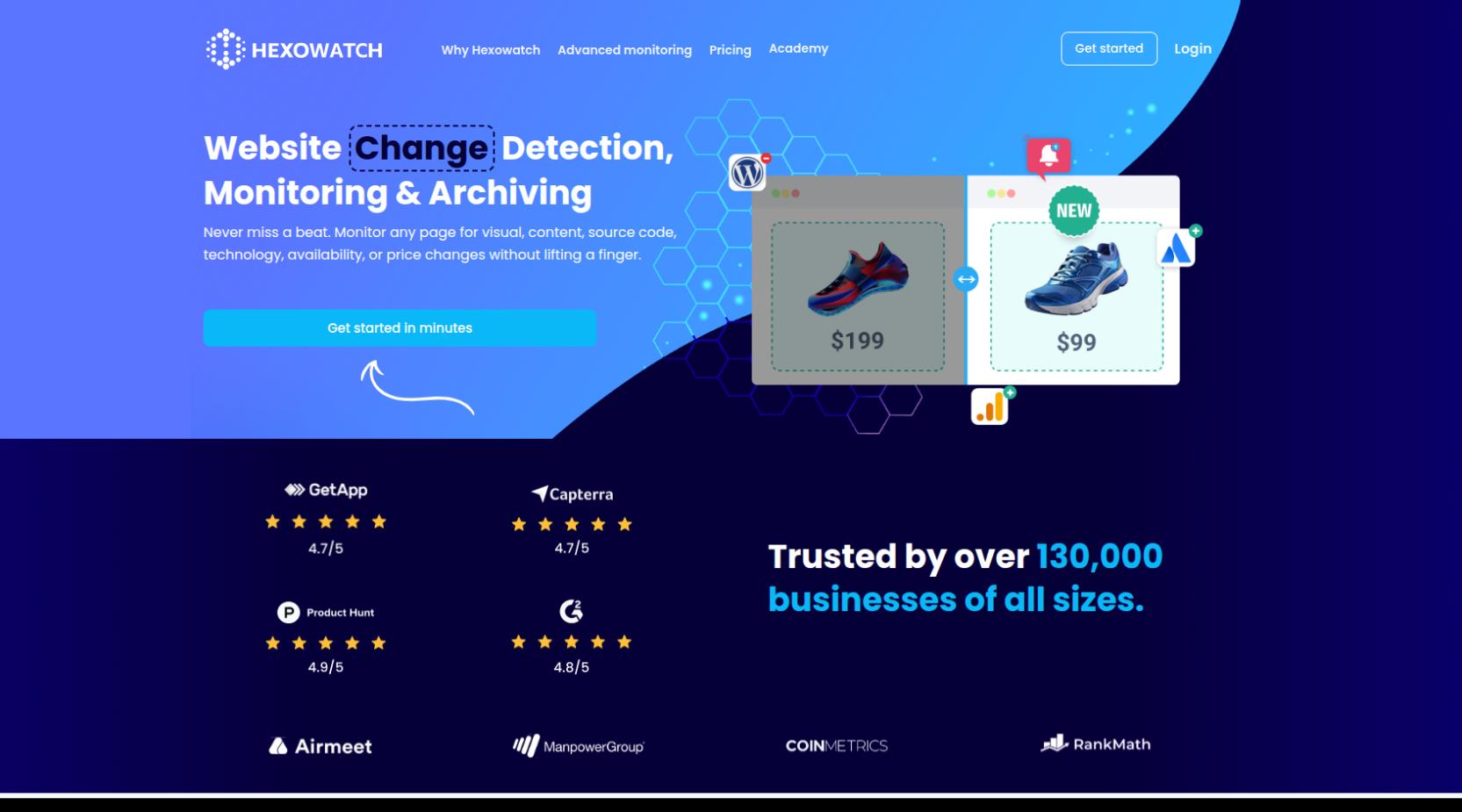
Hexowatch is less of a single tool and more of a “Swiss Army knife” for web monitoring. It offers 13+ different monitoring types, ranging from simple visual checks to deep technical audits.
Hexowatch Key Features:
- AI Vision: This mode detects changes that matter while ignoring the “noise.” It doesn’t just alert you to a pixel shift; it understands if a price was updated or a new product was added.
- Technology Monitoring: Unique to Hexowatch, it can track the “tech stack” of a website. If a competitor switches from Shopify to WooCommerce or starts using a new marketing pixel, you’ll know instantly.
- Sitemap Monitoring: Instead of tracking one page, you can monitor an entire sitemap. The moment a competitor adds a new blog post or landing page anywhere on their site, Hexowatch alerts you.
Hexowatch Pricing Tiers:
| Plan | Price | Monthly Checks | Key Limit |
| Pro | $24.17/mo | 4,500 | 15-minute frequency, Sitemap monitoring |
| Business | $45.83/mo | 10,000 | 5-minute frequency, Residential proxies |
| Business+ | $99/mo | 25,000 | API/Webhooks access, 3h sitemap updates |
Hexowatch User Reviews & Insights:
- Pros: Users love the sheer variety. “It’s like having a virtual assistant,” says one reviewer on G2. The ability to monitor WHOIS data (domain ownership) and backlinks makes it a favorite for SEO agencies.
- Cons: Because it does so much, the interface can be intimidating for beginners. Finding the right “monitor type” for a specific task takes some trial and error.
5. Browse AI
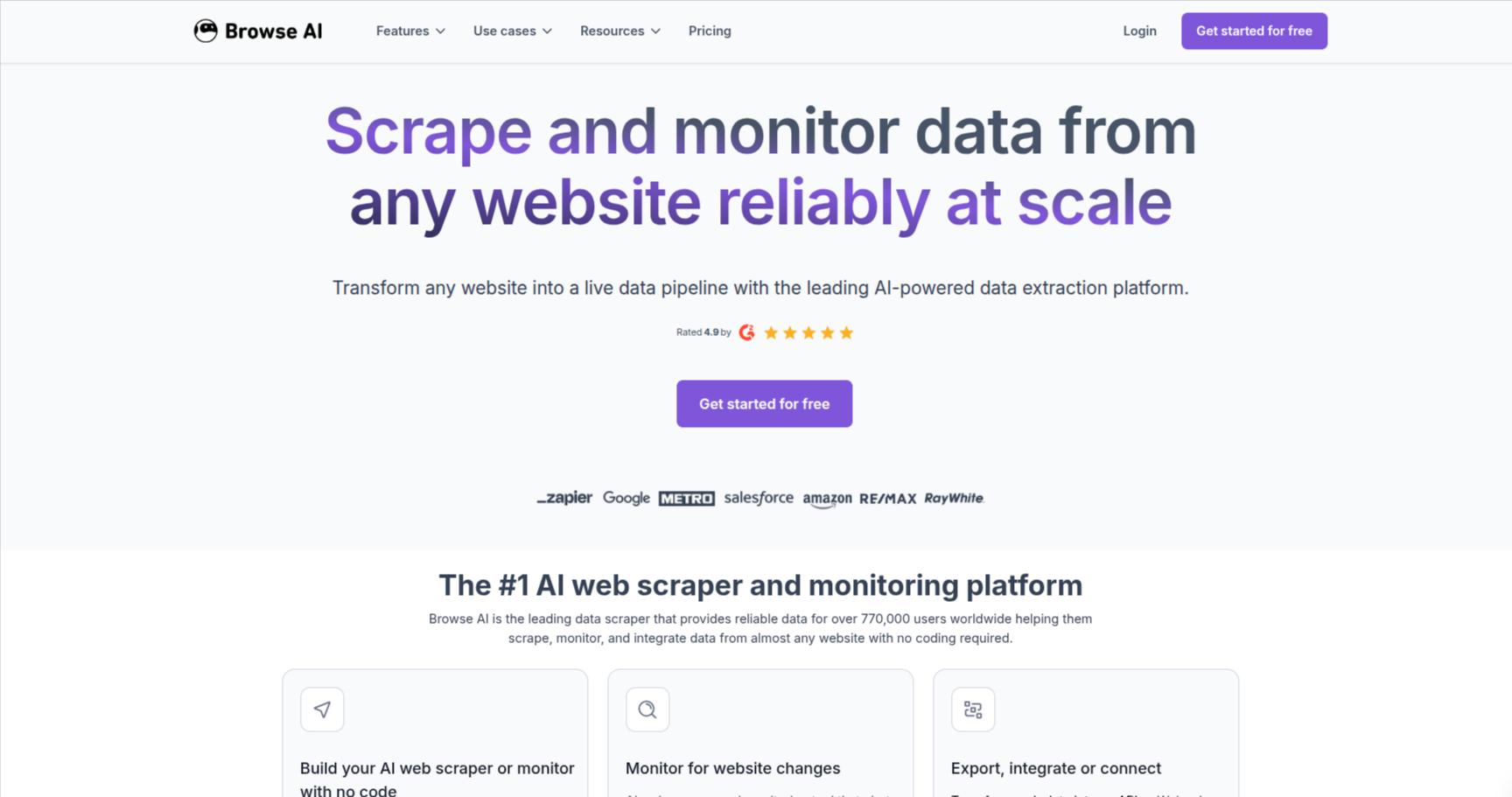
While most tools on this list are built to alert you, Browse AI is built to extract. It is the industry leader for users who want to turn a website into a live spreadsheet or an API without writing a single line of code.
Browse AI Key Features:
- Robot Training: You “train” a robot by simply performing the task in a recorded browser session. The robot then mimics your behavior to scrape data or monitor changes.
- Bulk Run: You can run a single robot across thousands of different URLs simultaneously. This is the “gold standard” for large-scale price monitoring or real estate listing tracking.
- Auto-Adaptation: If a website changes its layout (the “DOM structure”), Browse AI’s algorithms attempt to auto-adjust the robot so it doesn’t break.
Browse AI Pricing Tiers:
| Plan | Price | Monthly Credits | Features |
| Free | $0 | 50 | 1 Robot, Daily checks |
| Personal | $48/mo | 2,000 | 10 Robots, 1-hour frequency |
| Professional | $123/mo | 5,000 | 30 Robots, 15-minute frequency |
Browse AI User Reviews & Insights:
- Pros: The setup speed is unmatched. Non-technical users report being able to build a complex scraper in under 5 minutes. The customer support team is frequently cited as being “faster than light.”
- Cons: Credits can disappear quickly if you are monitoring many pages at high frequency. Some users have noted that very complex sites (with heavy JavaScript or anti-bot firewalls) still require manual “fixing” of the robots occasionally.
6. Sken.io
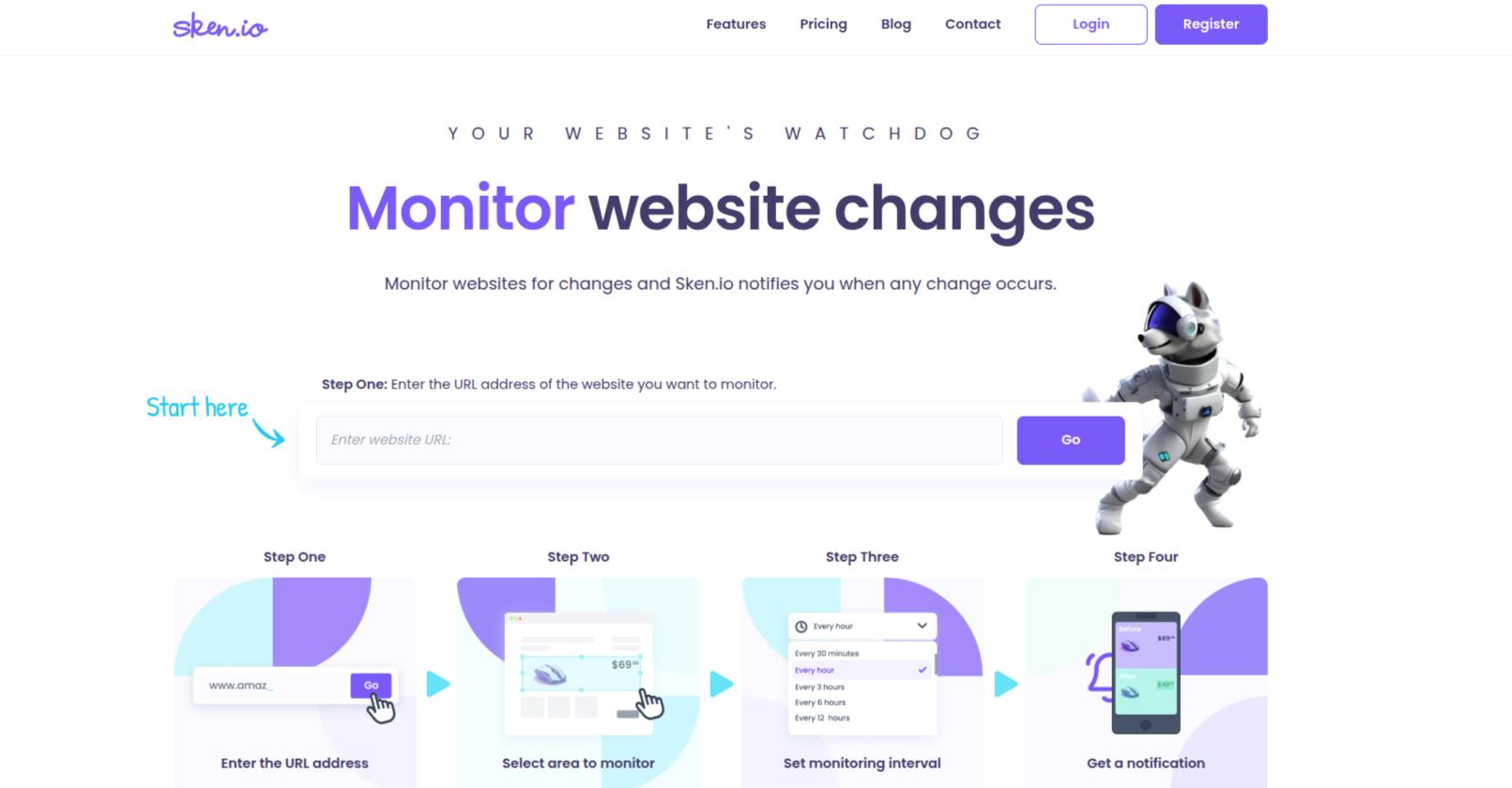
If you only care about one tiny specific element—like a “Buy” button, a single stock number, or a specific line of text in a massive document—Sken.io is your best bet. While other tools focus on the “big picture,” Sken.io is engineered for surgical precision, allowing you to ignore the noise of a dynamic website and focus only on the data points that matter.
Sken.io Key Features:
- Advanced Element Selection: Sken.io allows you to hide specific elements (like pop-ups, chat bubbles, or scrolling tickers) that might interfere with your monitoring. You can select exactly what to watch by clicking and dragging over the specific area.
- Cloud Rendering: It uses powerful cloud browsers to ensure that what the tool “sees” is exactly what a real user sees. This is critical for modern, JavaScript-heavy sites that don’t load content until a human (or a sophisticated bot) interacts with them.
- Visual Diffs & History: It provides side-by-side “Before vs. After” screenshots with changes highlighted in a contrasting color. It also stores a history of up to 12 snapshots per task for quick reference.
- Chart Previews: For numeric values (like stock prices or temperatures), Sken.io can generate a chart preview, helping you visualize the trend of changes over time.
Sken.io Pricing Tiers:
Sken.io uses a credit-based model that is significantly more affordable for users with a small number of high-frequency targets.
| Plan | Price (Monthly) | Monthly Checks | Key Features |
| Free | $0 | Limited | 1 check per day, basic email alerts. |
| Basic | ~$3 (€3) | 500 | 1-minute frequency, Mobile push, Chrome extension. |
| Standard | ~$13 (€12) | 3,000 | Priority support, Sync across devices, Android App. |
| Enterprise | ~$49 (€45) | 15,000 | High-volume monitoring, All premium features included. |
Sken.io User Reviews & Insights:
- Pros: “The precision is unmatched,” says one reviewer. Users love that they can block out annoying “Subscribe to Newsletter” pop-ups so they don’t trigger false alerts. The Android app is a major plus for users who need alerts while away from their desks.
- Cons: It lacks deep integrations like Webhooks or Zapier on the lower tiers, making it harder to build complex automated workflows. Some users find the 12-snapshot limit for history a bit restrictive compared to ChangeTower.
7. Fluxguard
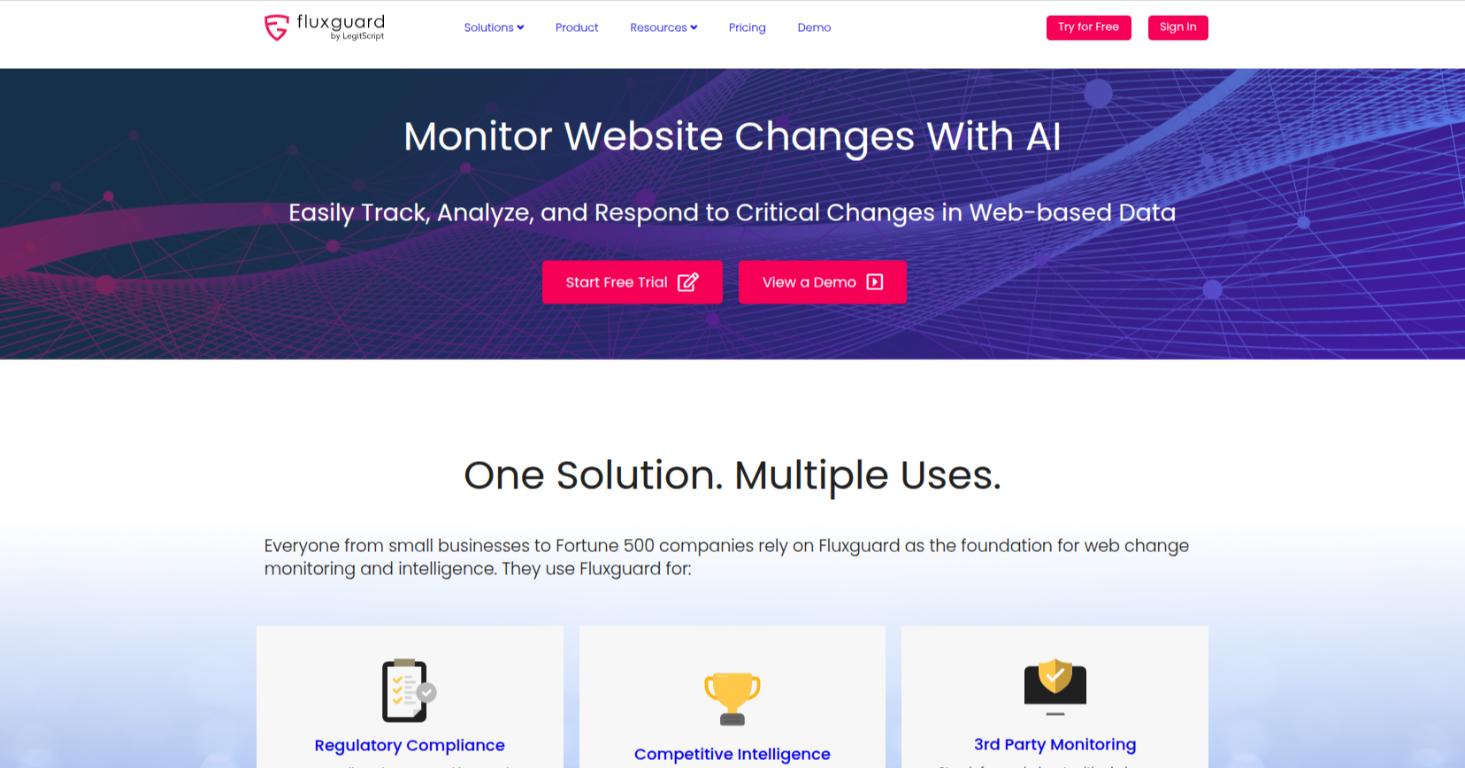
Fluxguard has carved out a niche as the “technical powerhouse” of the industry. Unlike consumer-level tools, Fluxguard focuses on deep-web monitoring, including the ability to track changes behind complex login sequences and inside multi-step user journeys (like a checkout process).
Fluxguard Key Features:
- Full-Stack Auditing: Fluxguard doesn’t just look at text; it monitors Network Activity, Cookies, and DOM changes. This makes it an essential tool for detecting “Magecart” style attacks or unauthorized data skimming.
- Google Lighthouse Integration: It automatically runs performance and accessibility audits on every check, ensuring your site remains fast and inclusive as it evolves.
- Generative AI Summaries: Using GPT-4, Fluxguard can summarize complex technical changes into “human-readable” reports, saving legal teams hours of manual review.
Fluxguard Pricing Tiers:
| Plan | Price | Focus |
| Gyroscope | $0/mo | 3 websites, daily checks, 25 versions archived |
| Periscope | $99/mo | 5-minute frequency, form submissions, script insertion alerts |
| Telescope | $199/mo | Webhook integration, proxy network, unlimited team seats |
Fluxguard User Reviews & Insights:
- Pros: Enterprise users rave about the “Time Machine” feature, which archives every version of a page in perpetuity. “It’s the only tool that gives us a legally defensible audit trail,” says a compliance officer on G2.
- Cons: It is a professional-grade tool with a professional-grade price and learning curve. It may be “overbuilt” for someone just looking to track a restock notification.
8. Wachete
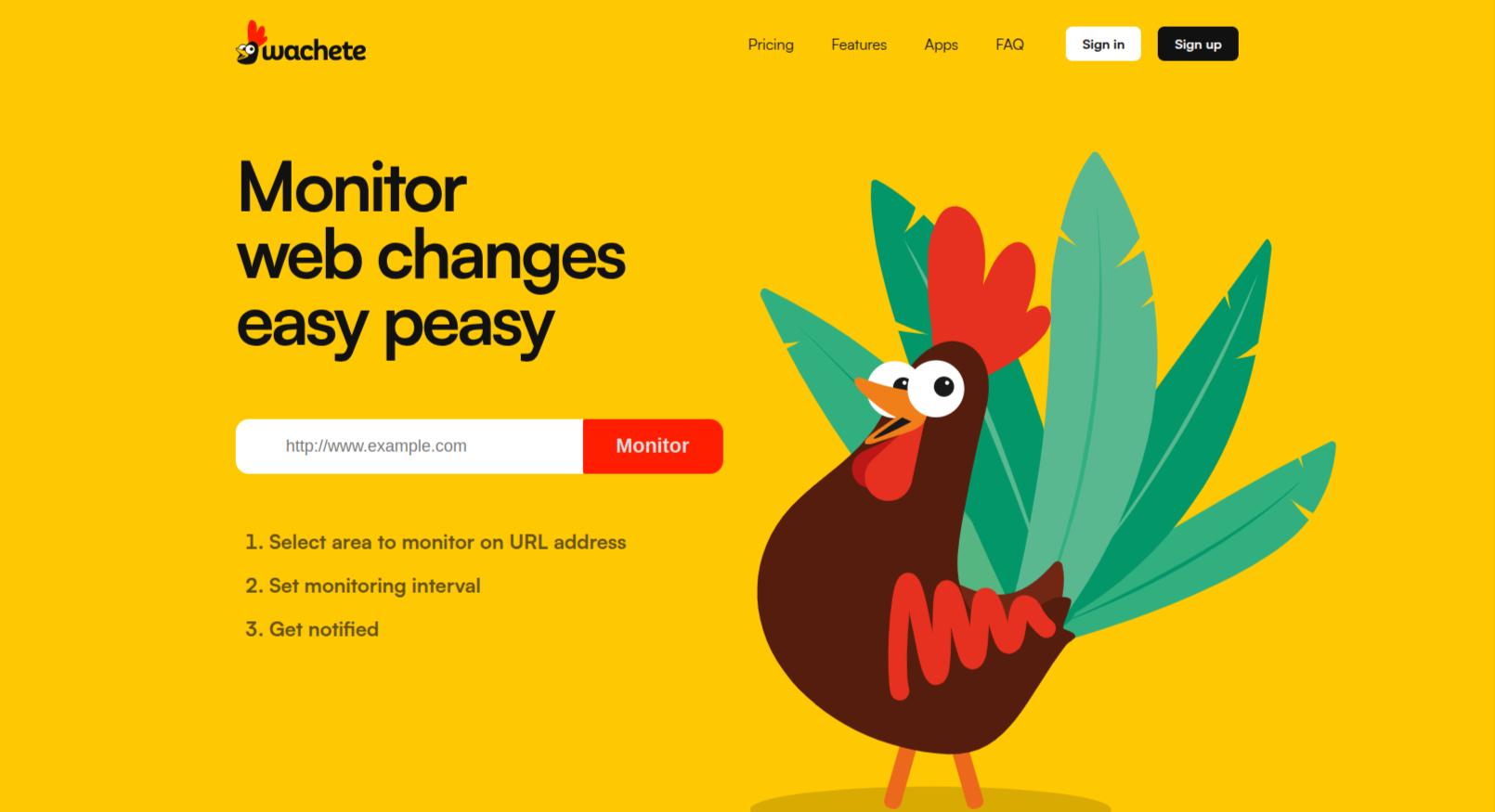
Wachete is a favorite among recruiters, procurement teams, and compliance officers because of its rare ability to monitor content that isn’t strictly “a webpage.” While most tools struggle with files, Wachete treats them as first-class citizens, making it an essential pick for tracking complex corporate or government updates.
Wachete Key Features:
- Deep Document Monitoring: Wachete can track changes inside PDF, MS Word (DOCX), Excel (XLSX), and JSON files. If a government body updates a PDF regulation or a vendor changes a price in a spreadsheet, Wachete extracts the text and tells you exactly what shifted.
- Global Proxy Support: Monitor how a website appears from different countries using proxy servers. This is vital for global brands ensuring their localized pricing and “region-locked” content are displaying correctly.
- Mobile App & Push Notifications: Unlike many competitors, Wachete’s mobile app (iOS/Android) is highly robust. You can manage your “Wachets” on the go and receive push notifications that bypass the need to constantly check your email.
- Smart “Behind-the-Login” Access: It excels at monitoring password-protected portals and pages requiring user interactions (like clicking buttons or entering values), making it ideal for internal corporate tools.
Wachete Pricing Tiers:
Wachete offers one of the most diverse ranges of plans in the industry, making it accessible for everyone from students to global corporations.
| Plan | Price (Monthly) | Pages Monitored | Frequency |
| Free | $0 | 5 Pages | 24 Hours |
| Starter | $5.40 | 50 Pages | 60 Minutes |
| Standard | $10.90 | 100 Pages | 10 Minutes |
| Premium | $54.90 | 500 Pages | 5 Minutes |
| Ultimate | $329.90 | 3,000 Pages | 5 Minutes |
Note: Document monitoring (PDF/Word) and Global Proxy support are generally unlocked starting at the Premium tier ($54.90/mo).
Wachete User Reviews & Insights:
- Pros: Users highlight the reliability of its “flow wachets” (interaction-based monitoring). It is often cited as the most cost-effective way to monitor a large volume of pages without hitting strict “check limits.”
- Cons: The UI is often described as “functional but dated.” It lacks the AI-driven visual heatmaps found in newer competitors like Browse AI, and some users find the initial setup for “crawling” (sub-page monitoring) to be a bit technical.
9. UptimeRobot
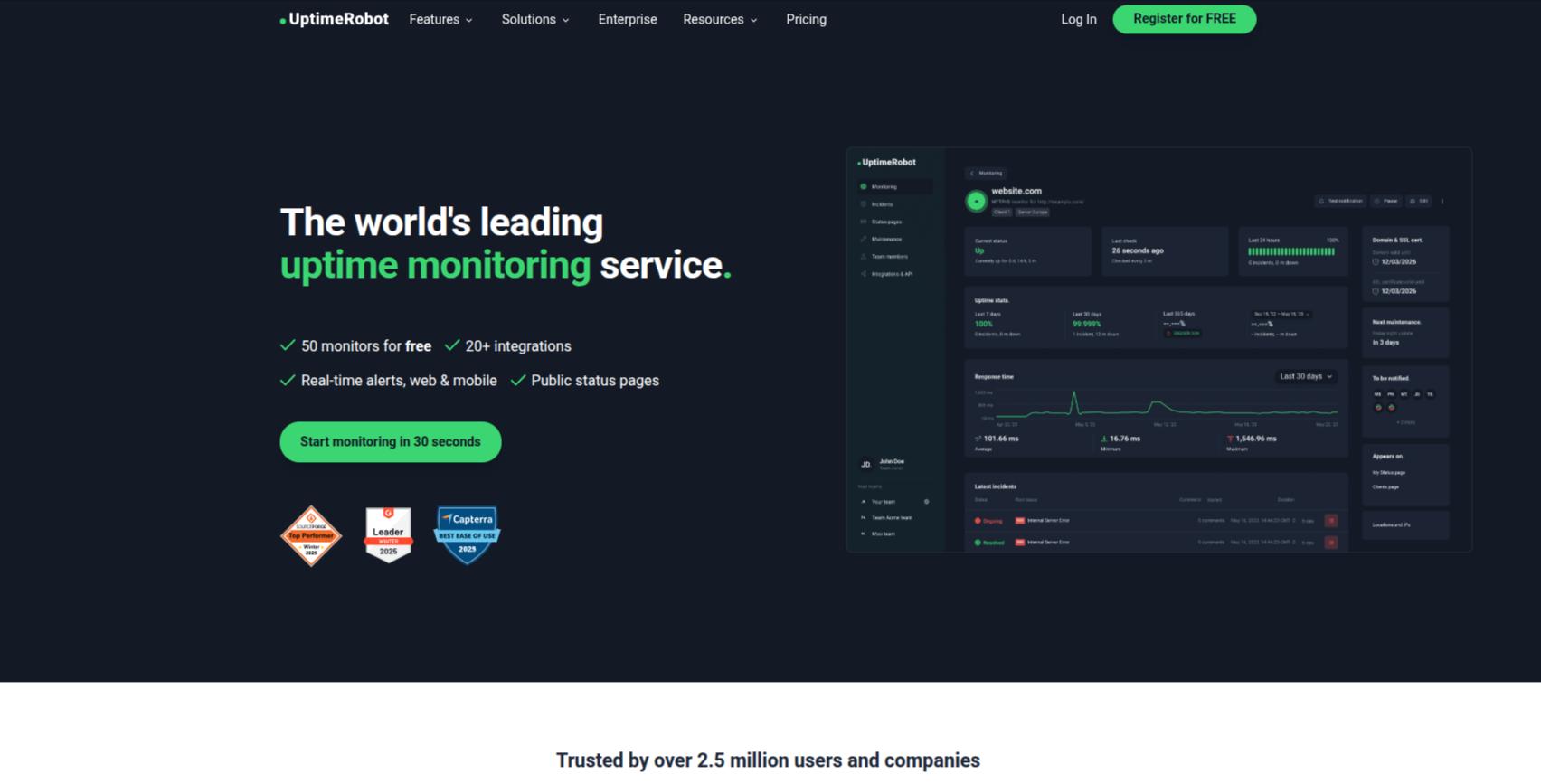
While many tools on this list focus exclusively on visual changes, UptimeRobot is the industry veteran that answers the most fundamental question in web management: “Is my site actually alive?” It remains the top choice for users who want to combine traditional uptime monitoring with essential content and keyword detection in a single, unified dashboard.
UptimeRobot Key Features:
- Keyword Monitoring: This is UptimeRobot’s “secret weapon” for change detection. Instead of watching pixels, it scans the raw HTML for the presence (or absence) of specific words. It’s perfect for tracking “In Stock” labels or ensuring a “Hacked by…” message hasn’t been injected into your code.
- Heartbeat & Cron Job Monitoring: Essential for developers, this “reverse monitoring” expects your server to send a signal to UptimeRobot at specific intervals. If the signal doesn’t arrive, you get an alert—meaning you’ll know if your backend scripts or backup tasks have failed before they cause a catastrophe.
- SSL & Domain Expiry Alerts: Never lose your site’s “Secure” padlock again. UptimeRobot tracks your SSL certificate and domain registration, sending you “30-day,” “14-day,” and “7-day” warnings before they expire.
- Advanced Status Pages: You can create beautiful, public-facing status pages that keep your customers informed during maintenance or outages, significantly reducing support tickets during a crisis.
UptimeRobot Pricing Tiers:
UptimeRobot is famous for having one of the most generous “Free Forever” plans in the tech world.
| Plan | Price (Monthly) | Monitors | Frequency |
| Free | $0 | 50 Monitors | 5 Minutes |
| Solo | ~$7 | 10 Monitors | 1 Minute |
| Team | ~$28 | 50 Monitors | 1 Minute |
| Enterprise | Custom | 500+ Monitors | 30 Seconds |
Pro Tip: The Pro Plan (starting at Solo) is a must for 2026 because it unlocks SSL Monitoring and Heartbeat monitoring, features that are critical for professional site maintenance.
UptimeRobot User Reviews & Insights:
- Pros: Users love the simplicity. “You can go from nothing to a fully monitored site in under 60 seconds,” says one long-time user. The reliability is legendary—using multiple global pings ensures you aren’t woken up by a “false alarm” caused by a localized network glitch.
- Cons: It is not a “Visual” monitor. If you need to see a side-by-side screenshot of a design change, UptimeRobot isn’t the tool (it only tracks text/code). For visual layout shifts, you would pair this with a tool like Visualping or Hexowatch.
10. PageCrawl.io
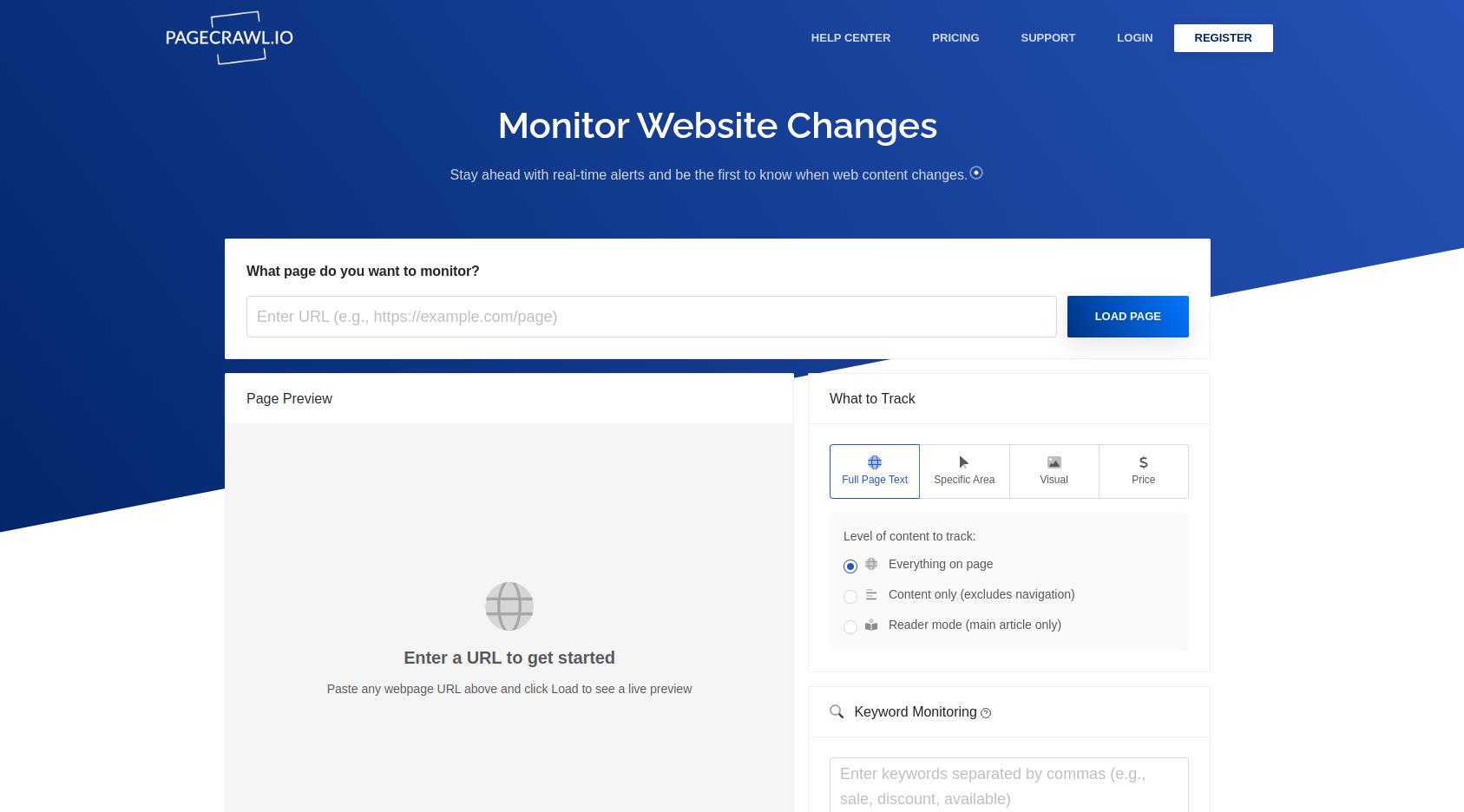
If you need to monitor hundreds of pages without breaking the bank, PageCrawl.io is arguably the most cost-effective tool. It strikes a rare balance: it offers the advanced features of enterprise tools (like JavaScript rendering and residential proxies) at a fraction of the cost. It is a “sleeper hit” that has gained a cult following among SEO professionals and data-hungry small businesses.
PageCrawl.io Key Features:
- AI-Powered “Bring Your Own Key” Summaries: In a unique way, PageCrawl allows you to connect your own AI API (OpenAI, Gemini, or Claude). It then uses those models to summarize changes or filter for “Important Only” updates, ensuring you only pay for the AI tokens you actually use.
- Automatic Page Discovery: You don’t have to add URLs one by one. You can provide a sitemap or a base URL, and PageCrawl will automatically discover and track new pages as they are published—perfect for keeping tabs on a competitor’s expanding product line.
- Advanced Proxy & CAPTCHA Bypassing: PageCrawl uses a sophisticated pool of residential proxies and headless browsers. For an additional small fee, it can even bypass CAPTCHAs, allowing you to monitor high-security sites that block most other “bots.”
- Review Boards (Kanban Style): Instead of a messy list of alerts, you can manage detected changes on a Kanban-style Review Board. You can move alerts from “New” to “Reviewed” or “Flagged,” making it excellent for teams that need to audit changes systematically.
PageCrawl.io Pricing Tiers:
PageCrawl is widely recognized for offering 5x–7x more “checks per dollar” than competitors like Visualping.
| Plan | Price (Yearly) | Pages Monitored | Frequency |
| Free Forever | $0 | 6 Pages | 60 Minutes |
| Standard 100 | $80 | 100 Pages | 15 Minutes |
| Standard 200 | $160 | 200 Pages | 15 Minutes |
| Enterprise | $300 | 500 Pages | 5 Minutes |
Pro Tip: The Enterprise Plan at $300/year is particularly powerful because it unlocks Unlimited View History and Unlimited Screenshot Storage, features that usually cost thousands of dollars on other platforms.
PageCrawl.io User Reviews & Insights:
- Pros: Users frequently praise the “no-nonsense” efficiency. “The support is legendary; the developers actually listen to feature requests and implement them in days,” notes one G2 reviewer. The ability to monitor PDF and Excel files at the $80/year price point is considered a major bargain.
- Cons: The user interface (UI) is often described as “built by developers for developers.” It prioritizes maximum data density over “pretty” design, which may result in a steeper learning curve for non-technical marketing staff.
The website change monitoring tools decision matrix
To make your selection easier, we’ve categorized the top contenders by the specific “pain point” they solve. This matrix helps you align your budget with the technical depth required for your specific use case.
| Goal | Tool | Why? |
| Simple price tracking | Visualping | Best visual “point-and-click” setup for non-tech users. |
| Deep data extraction | Browse AI | Turn any site into a structured spreadsheet or API effortlessly. |
| Legal & Compliance | Fluxguard | Audit-ready history, script monitoring, and GPT-4 summaries. |
| Budget-friendly power | PageCrawl.io | High-volume monitoring (100+ pages) at the best price point. |
| Technical precision | Distill.io | Local monitoring bypasses bots and offers surgical element selection. |
| Multi-format tracking | Wachete | Native support for monitoring content inside PDFs, Word, and JSON. |
| All-in-one health | UptimeRobot | The best hybrid for both change detection and site downtime alerts. |
VOCSO Top Pick for 2026: Hexowatch
After reviewing dozens of platforms, our tech team has selected Hexowatch as the “Best Overall” tool for 2026.
Why it won: In an era where AI is no longer a luxury but a necessity, Hexowatch integrates “Agentic AI” most effectively. Its ability to monitor nine distinct change types—from simple visual shifts to deep back-end “tech-stack” audits—makes it the most versatile tool for a modern marketing or development team. It offers the perfect middle ground: the user-friendliness of Visualping combined with the technical granularity of Distill, all backed by 12 months of historical archiving.
Pro-Tips for a Zero-Noise Workflow
Setting up a monitoring tool is easy; setting it up well is the hard part. Follow these three rules to ensure your inbox doesn’t become a “graveyard” of false alarms:
- Use “Wait” Actions: Modern sites often have heavy JavaScript or loading animations. Configure your tool to “Wait 5–10 seconds” after the page loads before taking a snapshot. This ensures the bot doesn’t capture a half-loaded screen or a “Loading…” spinner.
- Filter the “Fluff”: Every site has dynamic elements like live chat bubbles, rotating “Recommended” banners, or timestamps. Use the Element Selector to exclude these regions so they don’t trigger a “change” alert every few minutes for irrelevant updates.
- Tier Your Frequencies: Monitoring everything every 5 minutes is a recipe for data fatigue.
- 5-Minute Checks: Black Friday pricing, stock for high-demand “drop” items.
- Hourly Checks: Competitor blog updates, new job postings, or press releases.
- Daily Checks: Terms of Service pages, privacy policies, and regulatory PDFs.
Conclusion
Website change monitoring is no longer about simply “watching a page.” At scale, it becomes a strategic capability—one that supports faster decisions, technical stability, regulatory confidence, and competitive advantage.
Off-the-shelf tools do a good job of detecting change. But as organizations mature, the real challenge shifts from detection to interpretation, prioritization, and action.
That is where many teams begin to ask a deeper question: What would a change monitoring system look like if it were built specifically for our business, our workflows, and our risk model?
Beyond Tools: When Custom Change Management Makes Sense
As requirements grow, teams often encounter familiar constraints:
- Alerts that lack business context
- Fragmented monitoring across multiple tools
- Limited AI reasoning around why a change matters
- Manual handoffs between monitoring, teams, and systems
At this stage, organizations don’t necessarily need more tools—they need a tailored system that sits on top of monitoring data and turns it into intelligence. This is where custom engineering becomes relevant.
How VOCSO Can Help
At VOCSO, our expertise lies in designing and building custom software systems—especially where automation, data pipelines, and AI-assisted decision layers are involved.
While every organization’s needs differ, we frequently work with teams to:
- Architect bespoke change monitoring platforms aligned to internal processes
- Integrate AI/LLM layers to classify, summarize, and prioritize detected changes
- Design workflow-driven alerting systems rather than generic notifications
- Connect change signals to internal tools like Slack, CRMs, issue trackers, or data platforms
- Build audit-ready dashboards and historical archives tailored to compliance or governance needs
Rather than forcing your workflows into the constraints of a third-party product, a custom approach allows the system to be built around your reality.
The Right Next Step
For many teams, the optimal path is not tool replacement—but tool orchestration and augmentation through custom software.
If you’re:
- Outgrowing standard monitoring tools
- Managing complex SEO, compliance, or competitive landscapes
- Exploring AI-driven automation around external web signals
- Or simply want to evaluate what a purpose-built solution could look like
A technical discovery discussion is often the most effective starting point.
VOCSO helps organizations think through, design, and build such systems—grounded in modern architectures, practical AI integration, and long-term scalability. The web will keep changing. The advantage lies in building systems that help you understand those changes—and act on them intelligently.













Leave a Reply